Keepsum
How to Play
How to Play
| App Name | Keepsum |
|---|---|
| Version | 1.0.0 |
| Developer | Willee Project |
| Platform | Android |
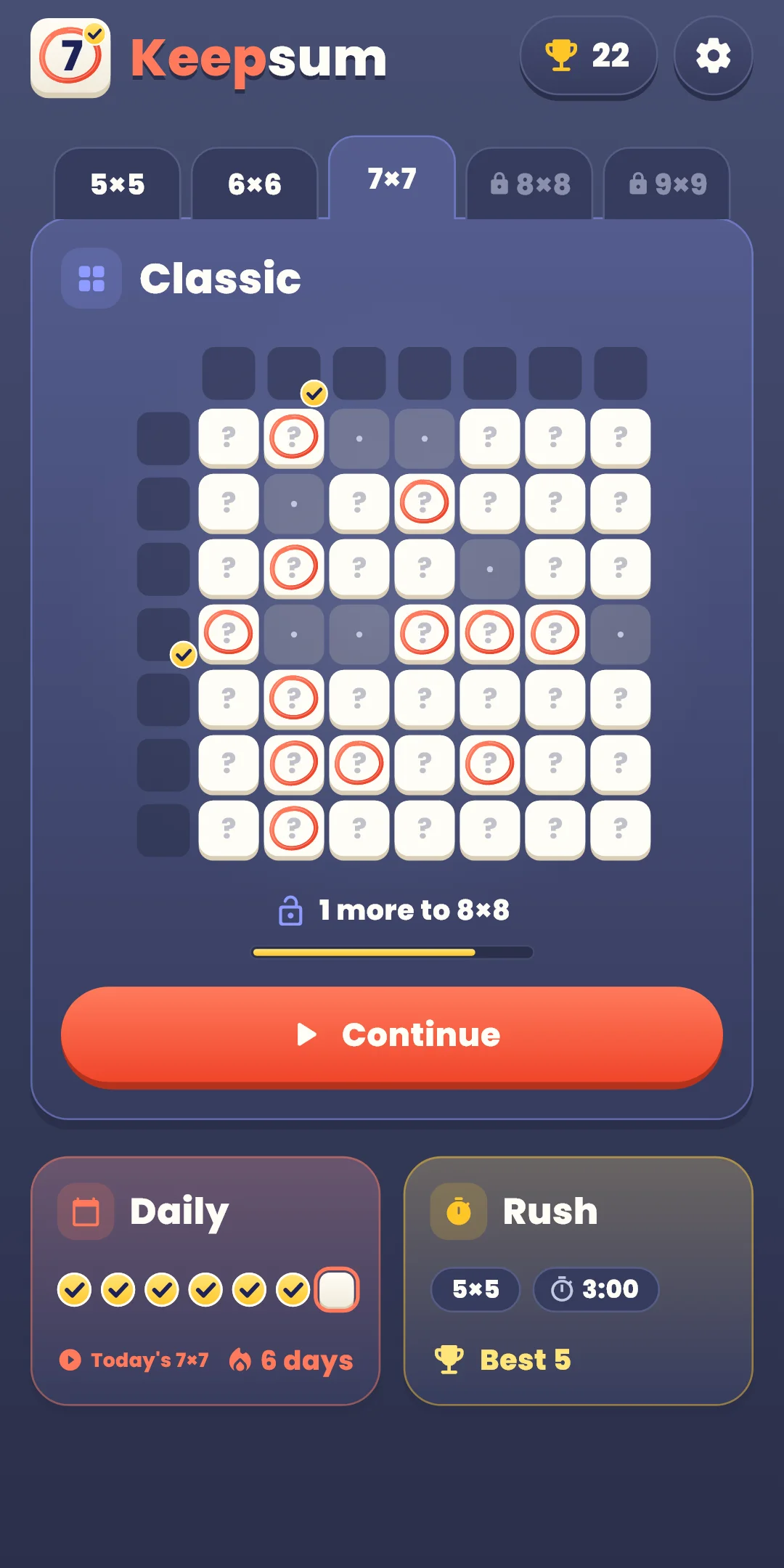
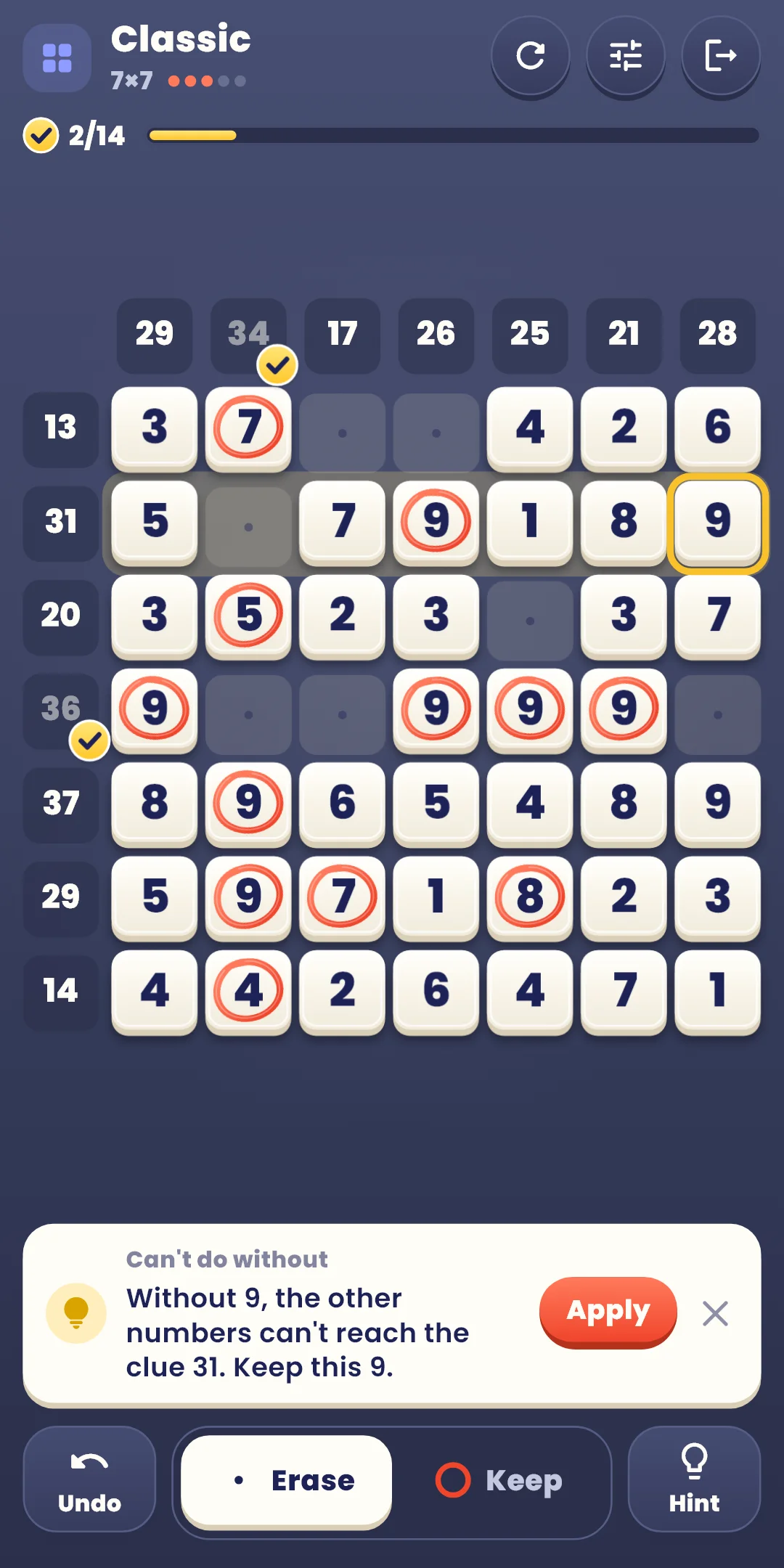
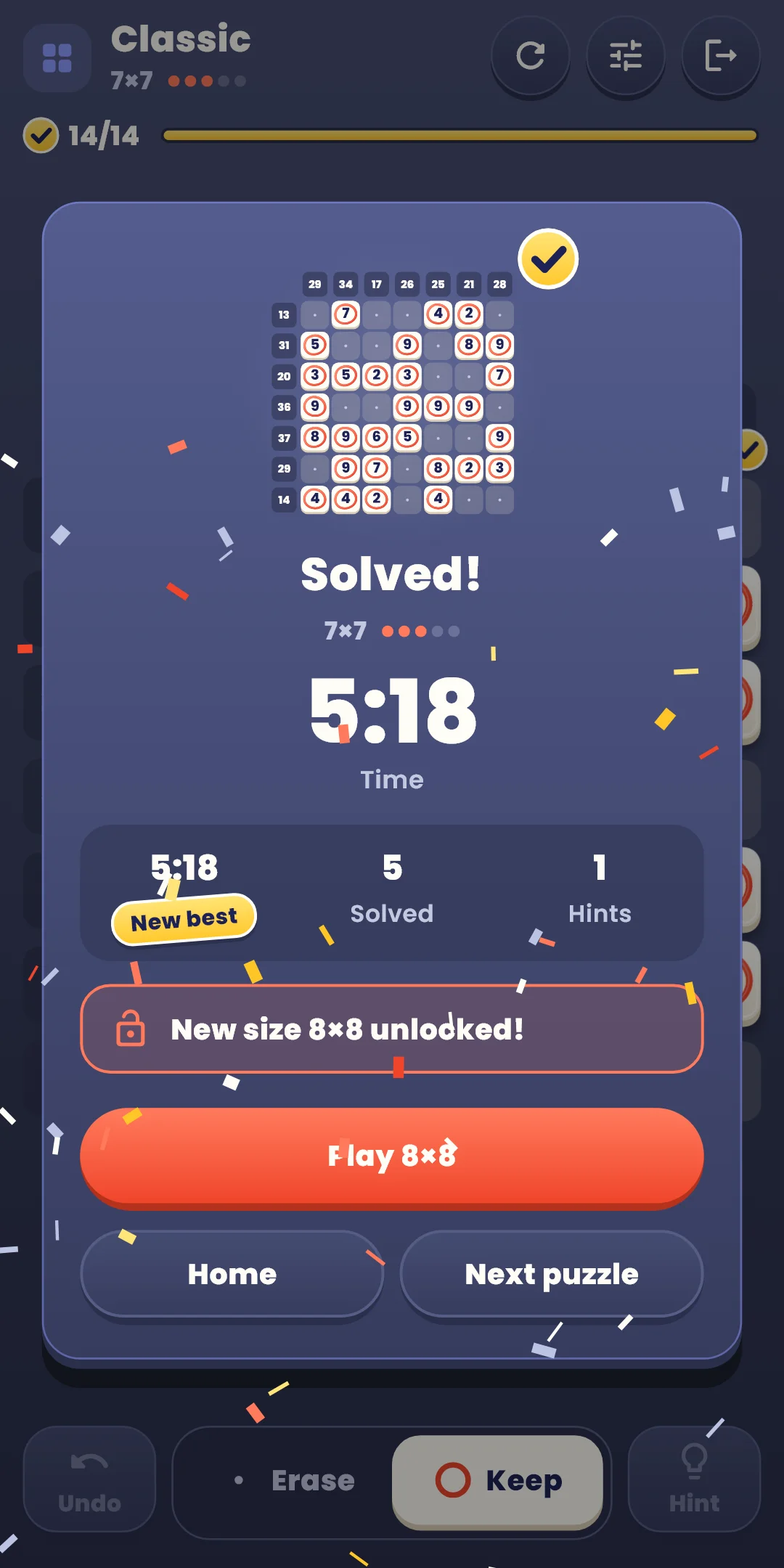
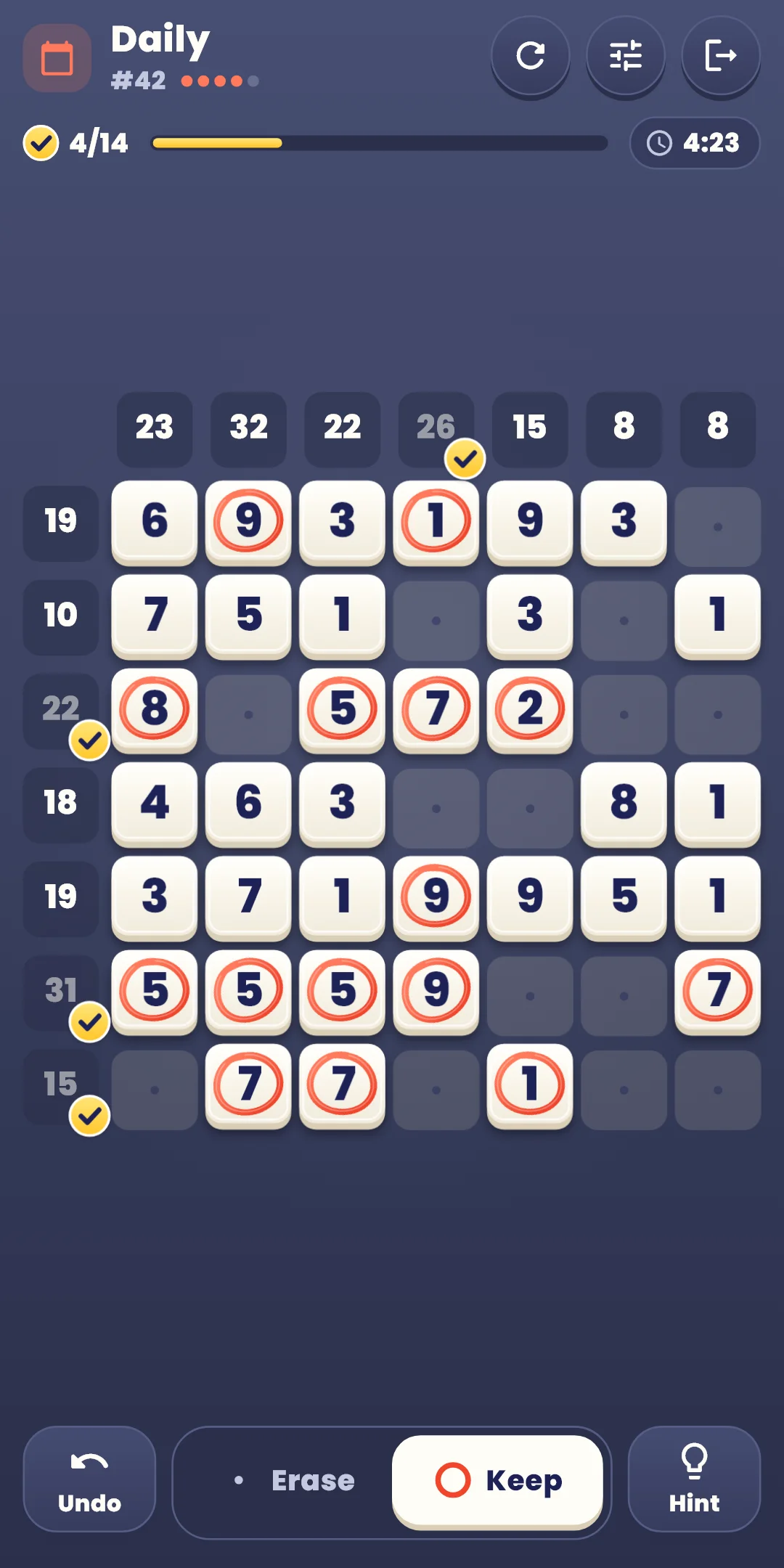
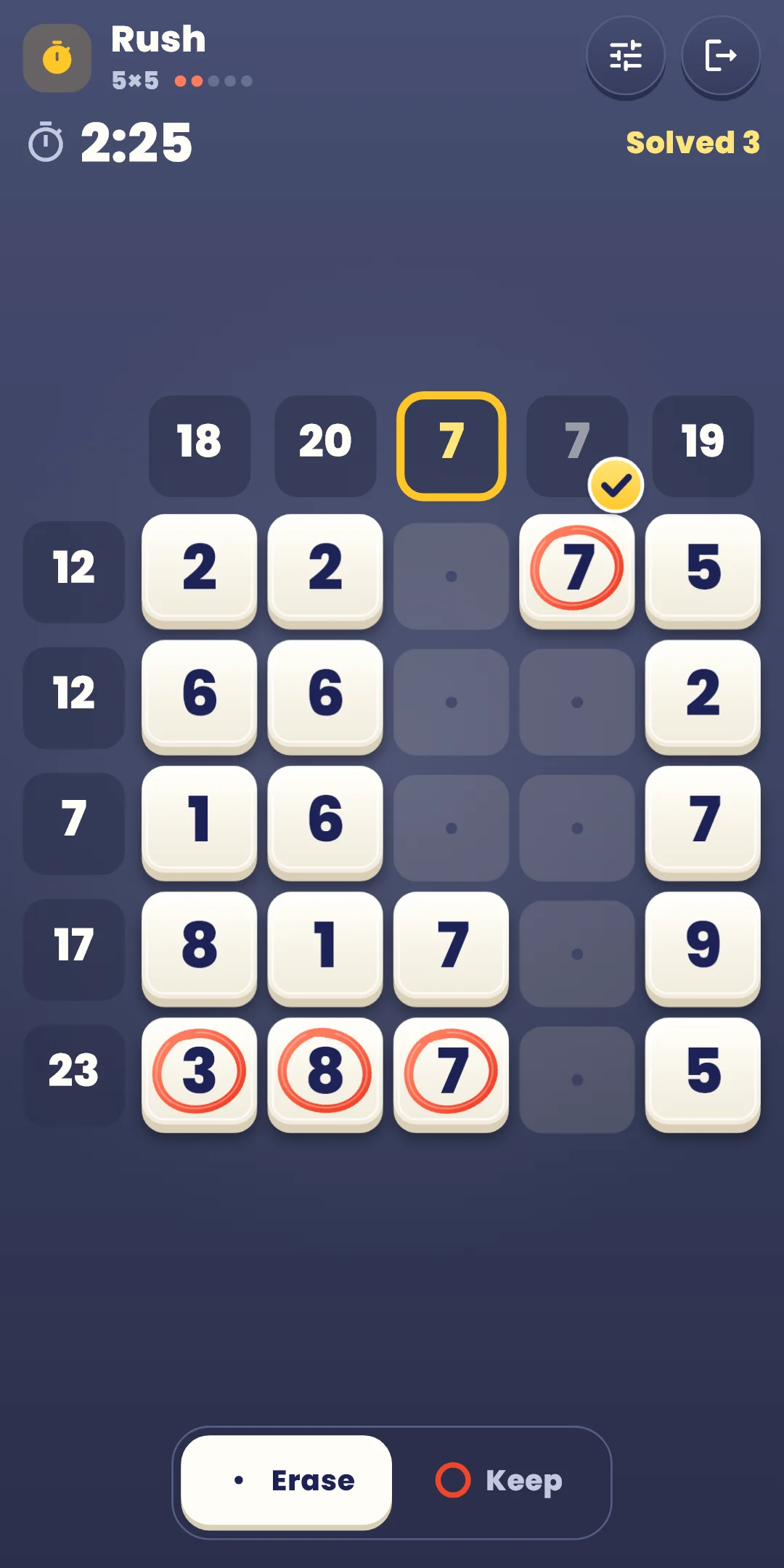
A logic puzzle: on a board full of numbers, choose which numbers to keep and which to erase so that every row and column adds up to its clue.
The buttons at the bottom (Classic and Daily):
| Button | What it does |
|---|---|
| Undo | Undoes your last action, one at a time. Unlimited |
| Erase and Keep | Choose the tool for tapping cells |
| Hint | Shows a cell you can decide next, with the reason. Unlimited |
The Restart (↻) button on the right of the top bar:
| Choice | What happens |
|---|---|
| Restart this puzzle | Returns every cell to the start. In Classic, the time and hints start over; in Daily, the day's time and hints keep counting. Greyed out until you've decided a cell |
| New puzzle (Classic only) | Leaves this puzzle and gives you another one of the same size. The puzzle you left doesn't count as solved |
Next to it, the Quick settings button opens a sheet for changing sounds, vibration, effects and board settings without leaving the game. Tap above the sheet or drag it down to close it. Exit is at the far right.
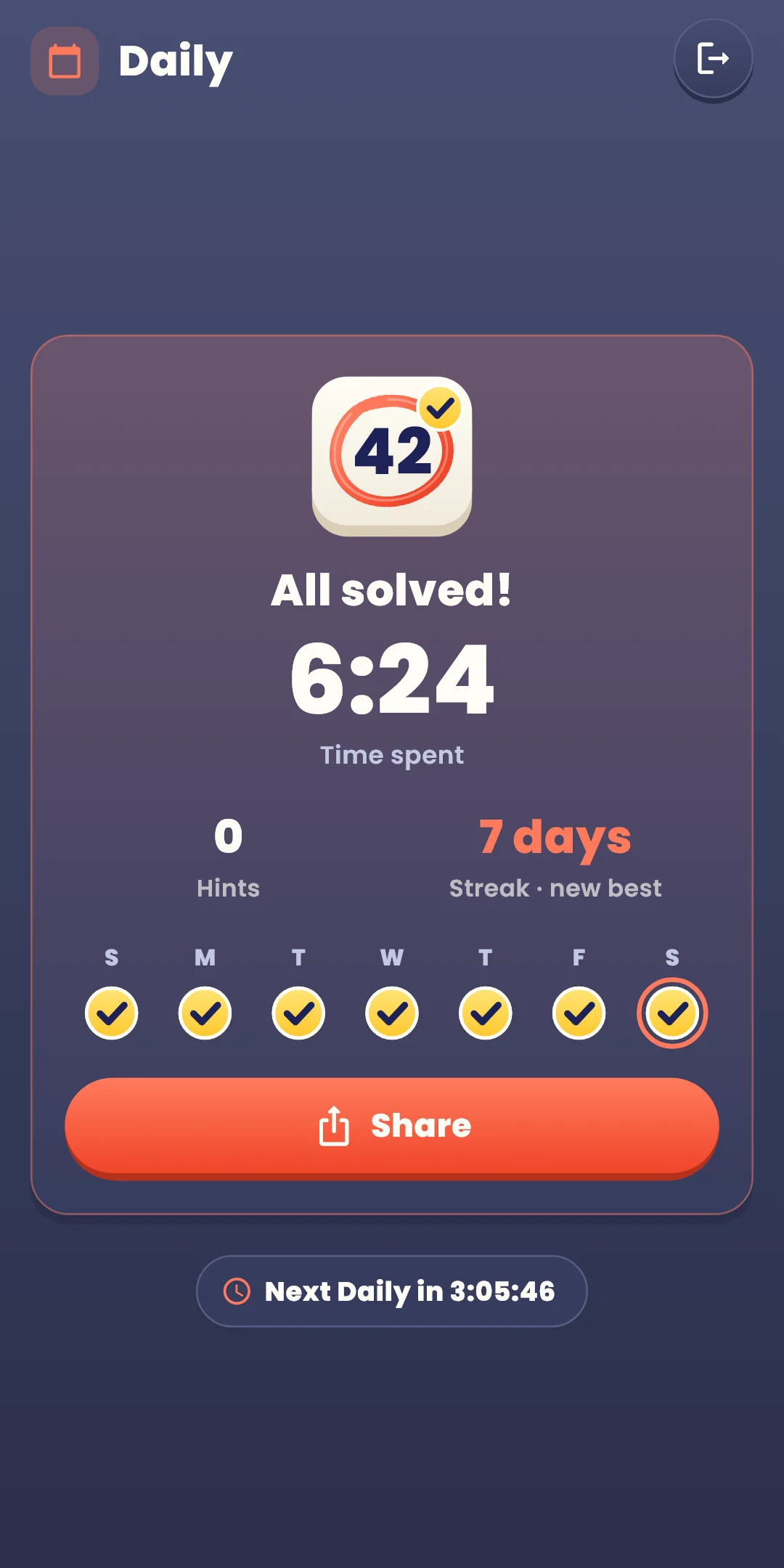
Keepsum Daily #12 ✅ 6:41
Hints 1
🔥 5-day streak
#12 is the Daily number, followed by your time. The second line shows the hints you used and the third your streak (shown from two days on). Launch day is #1 and the number goes up by one each day, so the same number means the same puzzle. The result screen also shows the time until the next Daily.
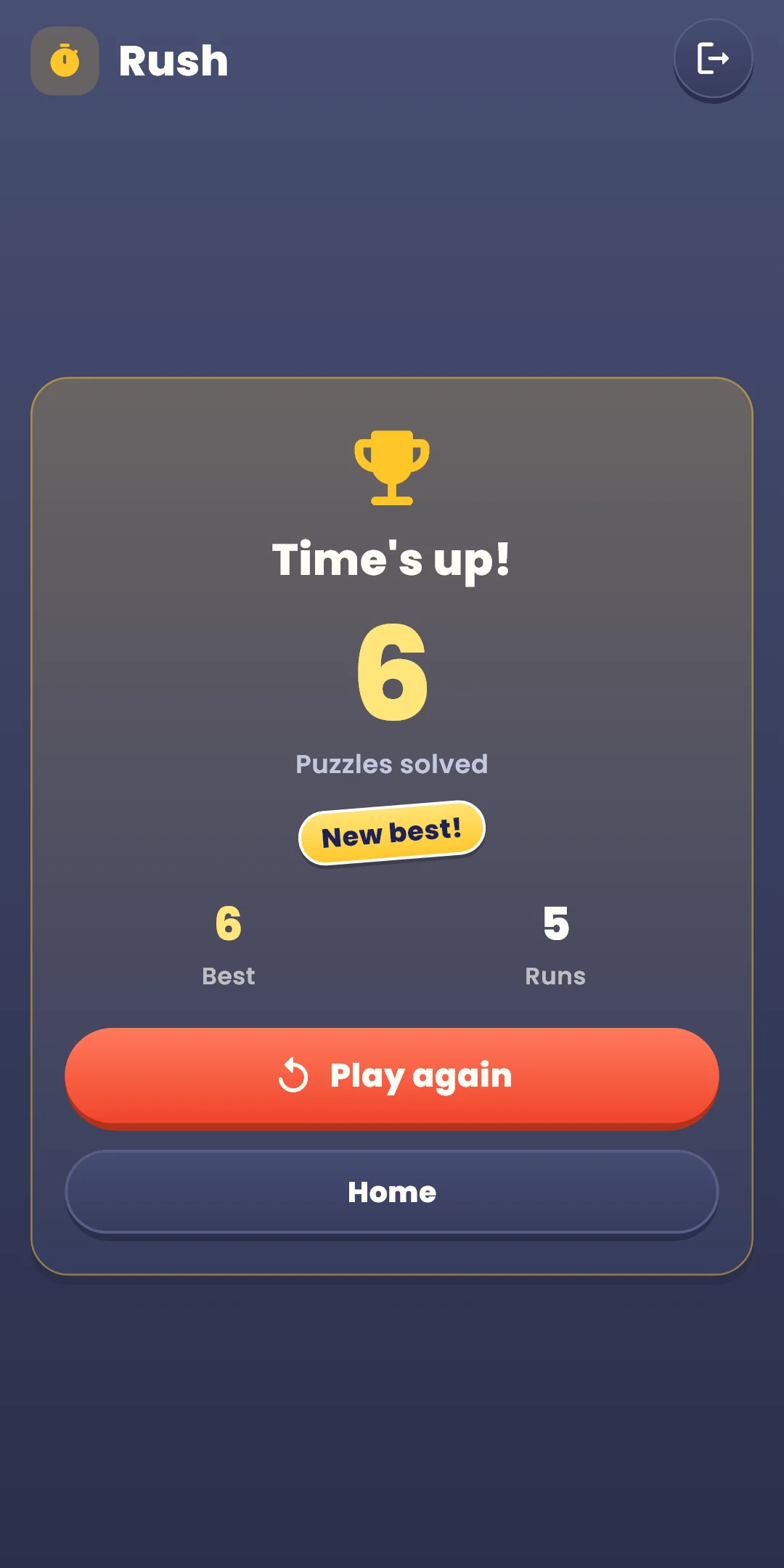
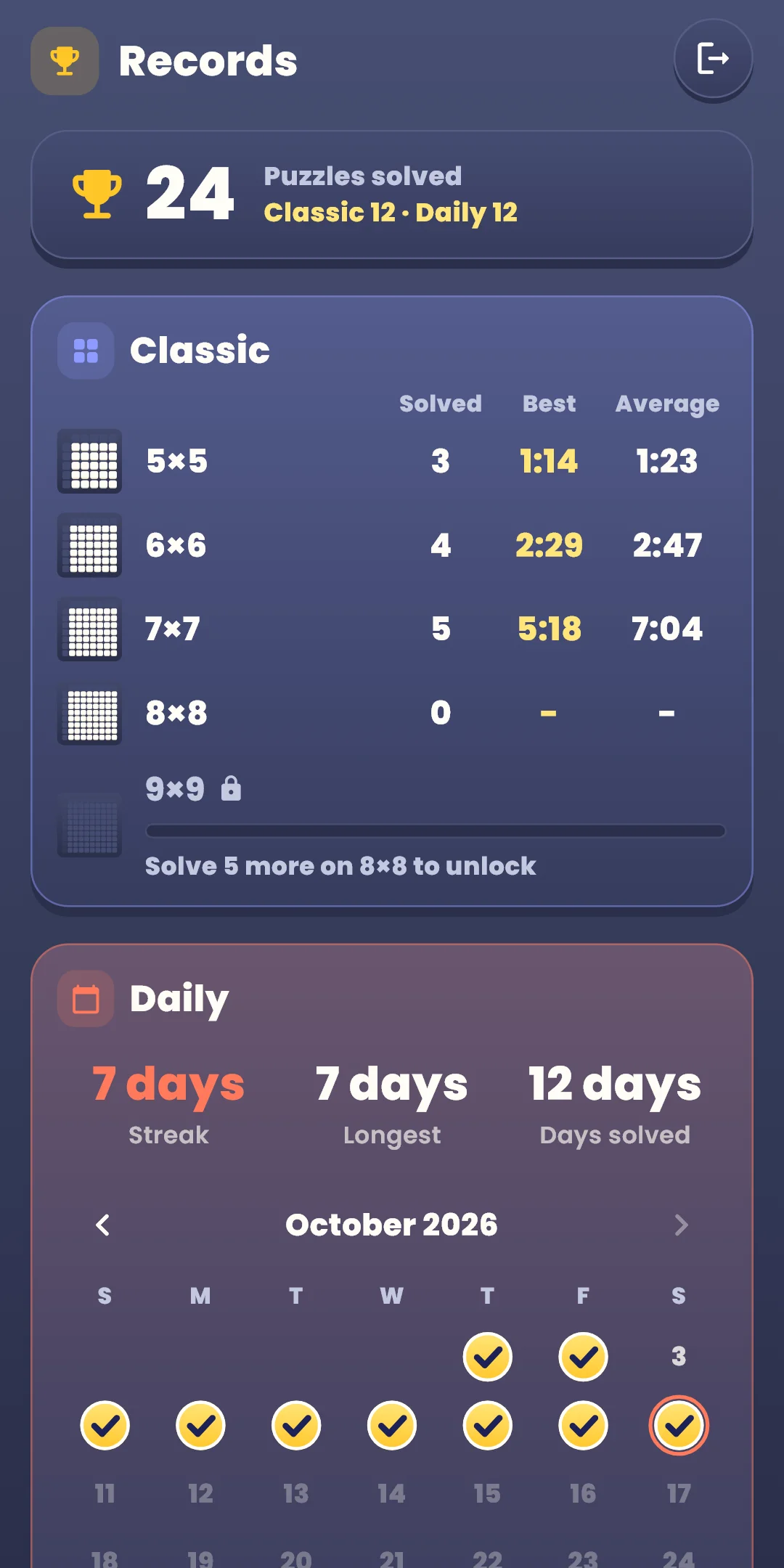
Open them with the trophy button at the top right of the home screen. It shows how many puzzles you've solved.
Open them with the gear at the top right of the home screen. During a game, the Quick settings button in the top bar changes sounds, vibration, effects and board settings right away.
| Item | What it does |
|---|---|
| Sound effects | Turns the sounds for keeping and erasing, matching a line and solving a puzzle on or off. When one move completes several lines in a row, the pitch rises one note at a time |
| Vibration | A light tap for keeping and erasing, a slightly stronger one when a line adds up. Turns it on or off |
| Reduce effects | Turns all effects down at once. While it's on, the effect switches below are greyed out and shown as off. It also follows your device's remove-animations setting |
| Effect switches | Turn each effect on or off: Motion (circles, erasing, stamps, waves), Glow (line sparkles, hint blinks, the glow when a line adds up or a puzzle is solved), Confetti (when a puzzle is solved). The board never shakes |
| Large numbers | Draws the numbers on the board bigger |
| Row and column guide | Lights up the row and column of the cell you press, and their two clues. On at first |
| Show mistakes | Hatches the outline of cells that don't match the answer. Off at first, and not used in Rush |
| Show current sums | Shows the sum of the numbers you kept, small, next to each clue. Off at first |
| Erase the rest automatically | Once the kept numbers make a line's clue, erases the rest of that line by itself. Off at first |
| How to play | Replays the first-run guide |
| Privacy options | Opens the ad consent window again. Shown only where consent is required (such as Europe) |
| About | Version, language, this guide, the privacy policy and open-source licenses |