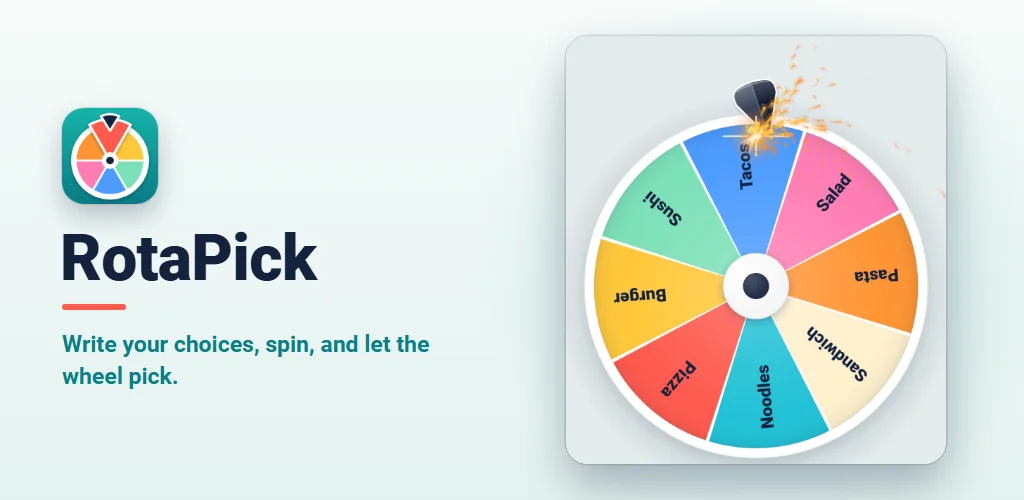
RotaPick is a wheel spinner and random picker for quick decisions. Type your options, give the wheel a spin, and the slice under the pointer is your pick. Use it for lunch, who goes first, yes or no, team picks, or anything you would rather leave to a spin.
Screenshots
Key Features
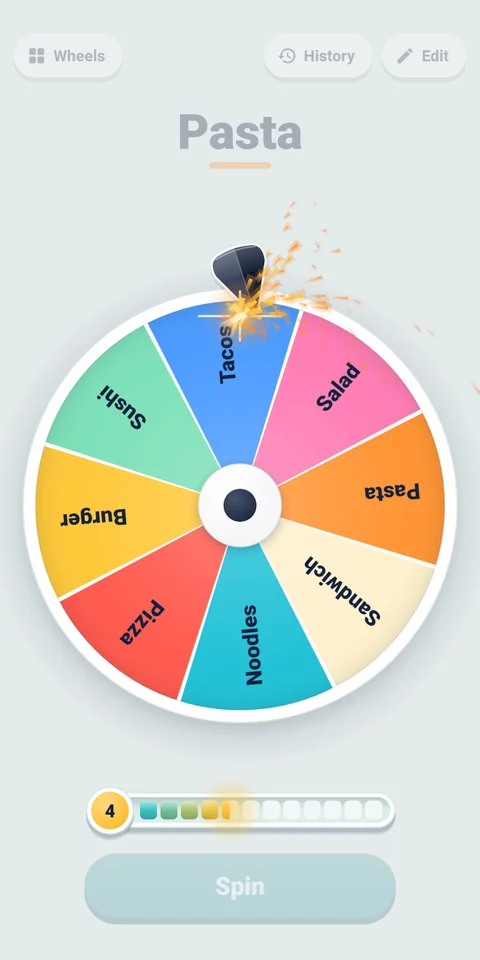
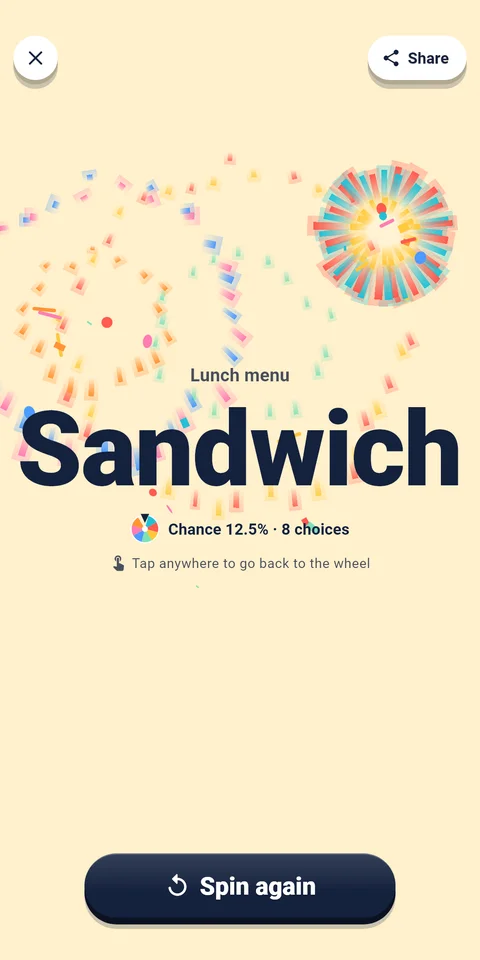
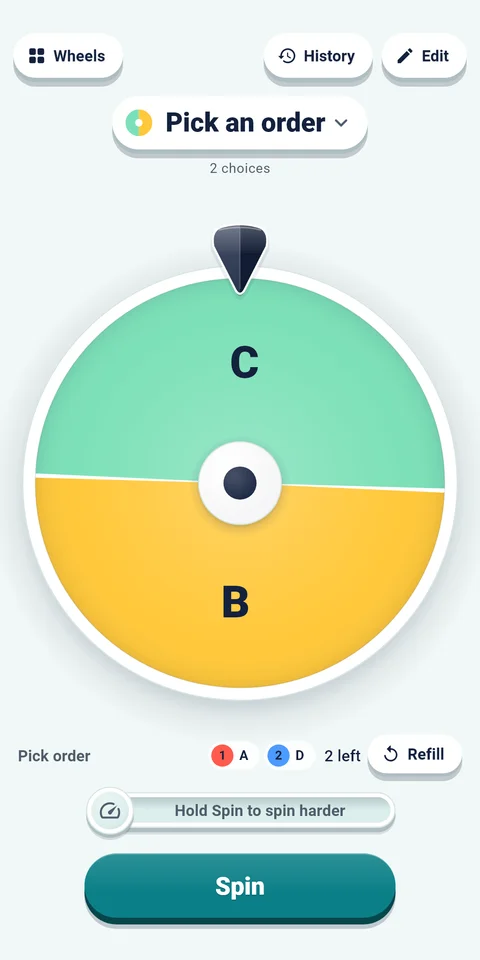
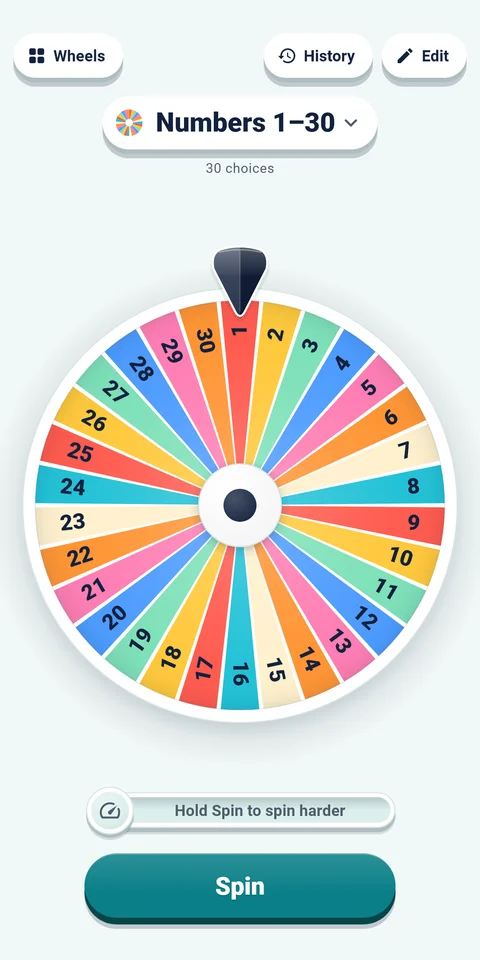
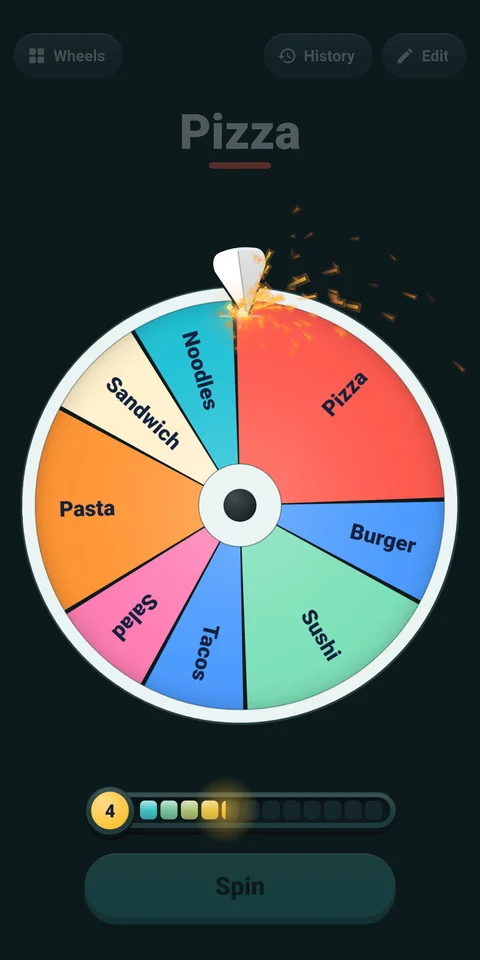
- How it works Add 2 to 100 options to a wheel and each one gets its own colored slice. Tap Spin for a normal spin, or hold Spin to build up power: the power bar fills in about a second, and the wheel starts faster and runs longer when you let go. You can also flick the wheel with a finger. A tick and a light vibration mark every slice the pointer passes. When the wheel stops, the picked slice pops out and its color fills the screen, with the pick in large type. In settings, choose a spin time of about 3, 5, or 8 seconds.
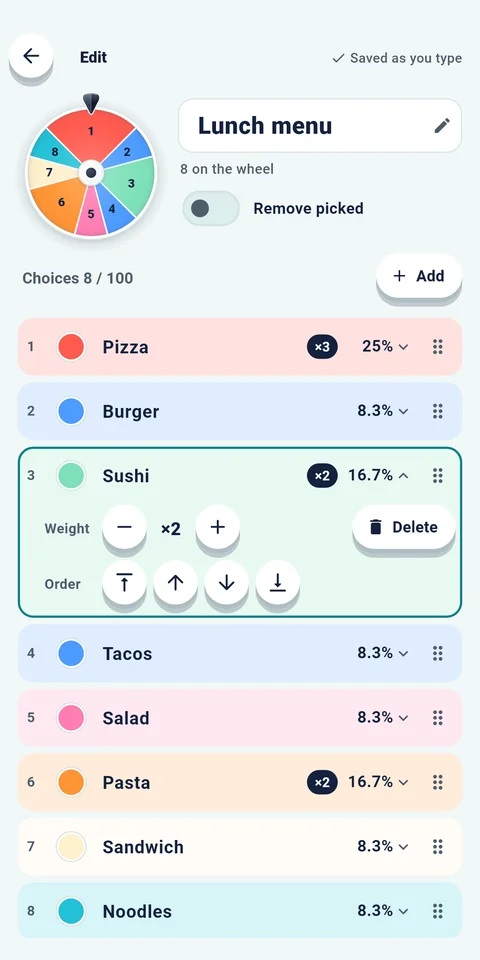
- Fair, and you can see it Slice size is the chance. Give a slice a weight from x1 to x10 and it is drawn that much wider, so the odds show on the wheel itself. There are no hidden weights. The result is never decided in advance: the angle where the wheel stops picks the slice, so even a perfectly timed press cannot aim at one.
- Remove picked Turn on Remove picked and each drawn slice leaves the wheel until you tap Refill. It suits turn order, name draws, and handing things out one at a time.
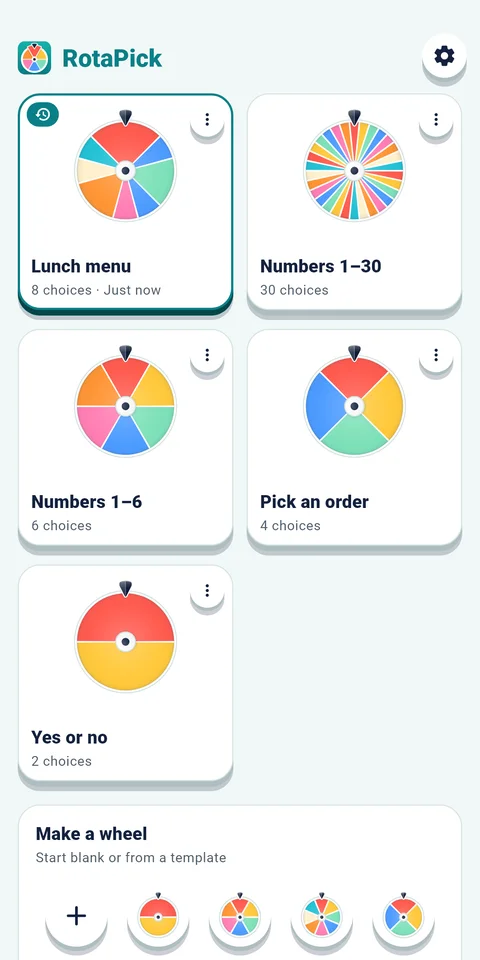
- Start fast The app opens on the last wheel you used, and your first wheel is a lunch menu. Make a wheel starts blank or from a template: Yes or no, Numbers 1-6, Lunch menu (eight common dishes), or Pick an order. Every change is saved as you make it, so there is no save button.
- Keep your wheels Save as many wheels as you like. Rename, duplicate, or delete them, and drag to reorder. The wheel list puts your most recent wheels first. In the editor, drag a row, or expand it and use the move buttons, to reorder your options. Each wheel keeps its last 50 results with the time in History, and you can clear it. Most picked shows how often each slice came up next to its share of the wheel. From the result screen, Share sends the result as text.
- Look and feel Colored slices with clear outlines and labels, sparks at the pointer, fireworks for the result, and a light screen that follows your device's dark mode. Sounds are wooden clicks, a marimba note, and chimes for the result. Turn off sound effects and vibration in settings, or switch on Reduce effects to skip the sparks and fireworks.
- Simple terms There is no subscription, no paid lock, and no in-app purchases, and every feature is available. There is one banner at the bottom of the screen and no full-screen ads. It works offline with no sign-in, and your wheels, history, and settings stay on your device. Available in English, Korean, Japanese, and Chinese (Simplified and Traditional); change the language in settings.
Supported Platforms
User Manual
Check out the user manual for the RotaPick app.
Privacy Policy
Check out the privacy policy for the RotaPick app.
Contact
For app-related inquiries, please contact us below.
Email: hanworld@willee.net
Developer: Willee Project