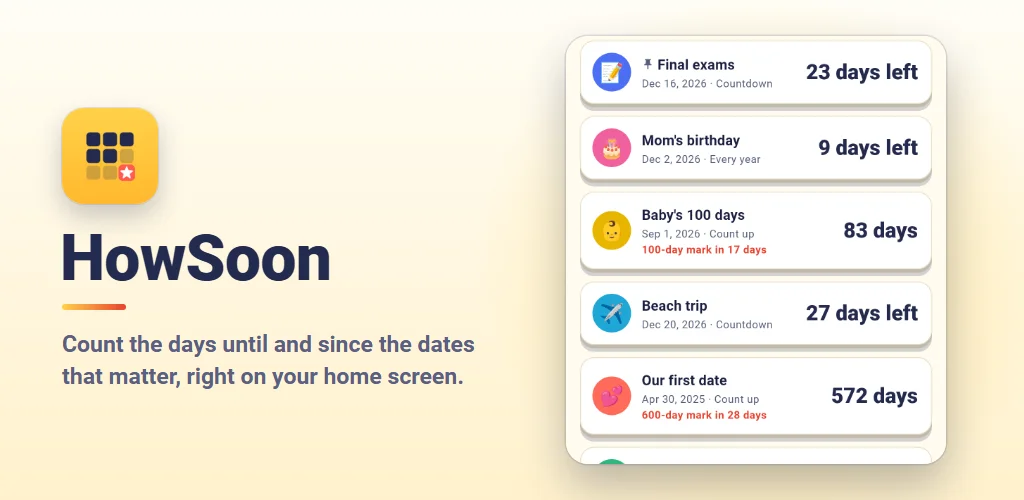

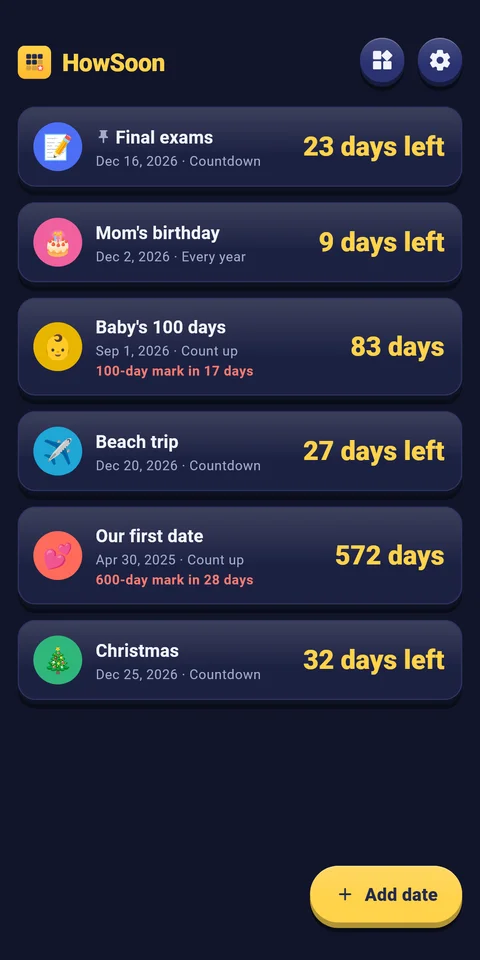
HowSoon counts the days until the dates ahead of you and the days since the dates behind you, then puts the number right on your home screen. Add an exam, a birthday, a trip, an anniversary, or Christmas and see how soon it is.
Screenshots
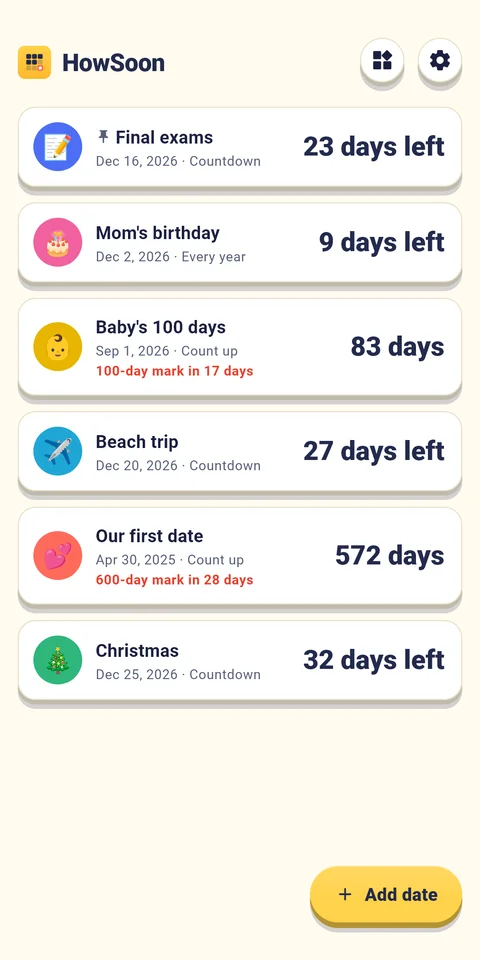
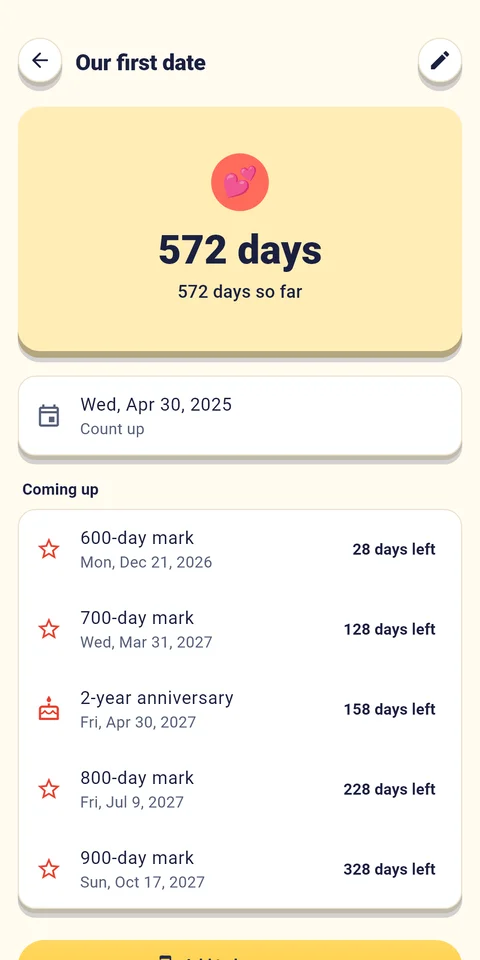
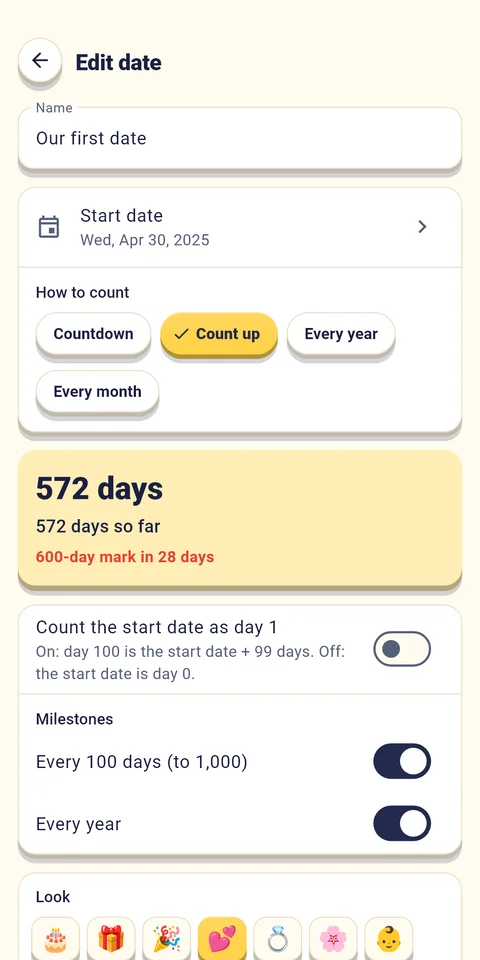
Key Features
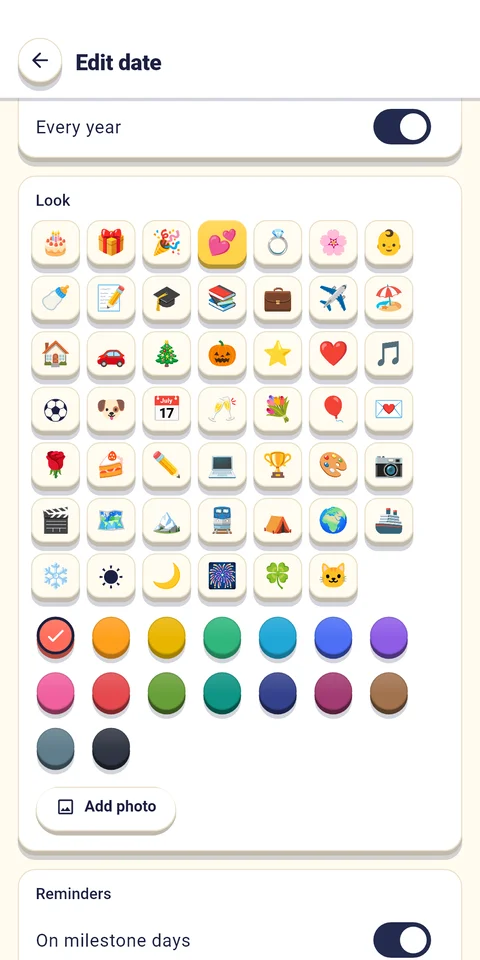
- Start from a template Pick Birthday, Couple, Exam, Trip, Baby, or Custom. A template fills in the counting style and reminders, and you can change them afterward. Each date is a Countdown, a Count up, Every year, or Every month. Give it an emoji (48 to choose from) and a color (16), and use Pin to top to keep a date first.
- Counted the way you expect Apps disagree on whether the start date is day 0 or day 1, so you decide for each date. Turn on Count the start date as day 1 and day 100 is the start date plus 99 days. While you set a date up, a sentence previews the result, such as Today is day 100. A count up also shows what comes next: every 100 days up to 1,000, and every year.
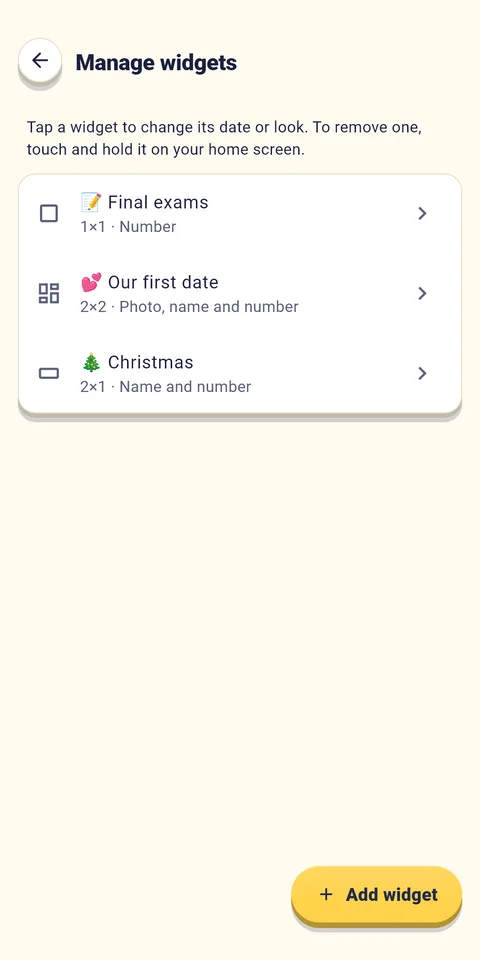
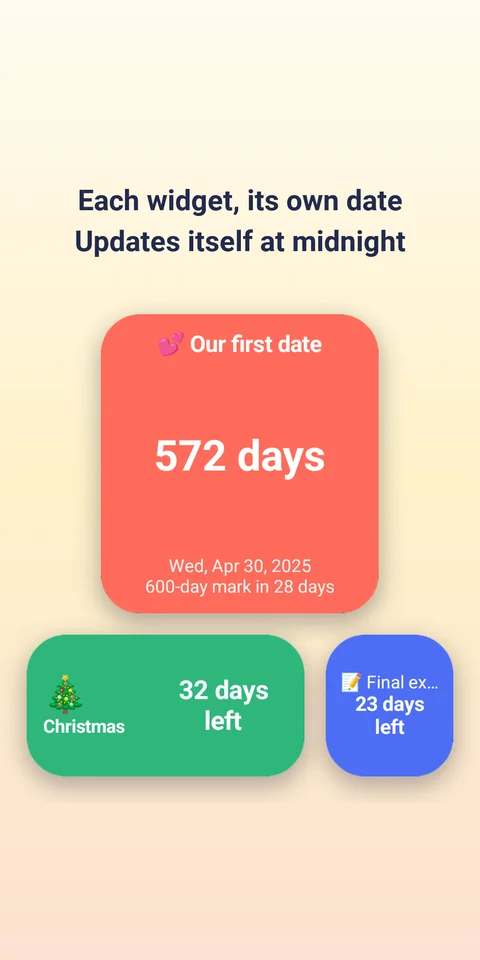
- Home screen widgets Three sizes: 1x1 shows the number, 2x1 adds the name, and 2x2 adds a photo and the next milestone. Every widget has its own date, and you can place as many as you like. Place one from your home screen's widget list and choose its date, or open a date and choose Add to home screen. In Manage widgets, tap a widget to change its date or look, or tap Add widget to place another. Make each one yours with Background (Date color, Light, Dark, or Device), Background opacity, Text size, and a photo.
- Changes at midnight Widgets move on to the next day by themselves at local midnight, without opening the app. They usually update within a few minutes. A phone in deep sleep can take up to about an hour, and turning the screen on brings them up to date. After a force stop, open the app once so widgets can update again.
- Reminders For each date choose On the day, 1 day before, 1 week before, or On milestone days for a count up. Reminders arrive at 9:00 unless you change Reminder time in Settings, and they can be a few minutes late.
- Photos Add photo puts a picture behind a date and on its 2x2 widget. You pick it with Android's photo picker, so HowSoon never asks for access to your photo library. Photos are resized and kept inside the app without location data, up to 18 MB in total.
- Your dates stay on your phone There is no account, no sign-in, and no server, and everything works offline. A deleted date waits 30 days in Deleted dates, where you can Restore it, Delete for good, or use Empty deleted dates. The app keeps automatic daily copies for the last 3 days, and Restore an earlier copy in Settings brings one back. Export puts your dates and photos in one file that you can Share or Save to device, and Import merges that file on another phone.
- Look and sound On the day itself or on a milestone, opening the app plays a short celebration with a soft marimba sound. Under Sound & effects in Settings, Sound effects and Vibration have separate switches, and Reduce effects turns off the celebration animation.
- Simple terms Everything in HowSoon, widgets included, works without a subscription, a paid unlock, or an in-app purchase. The only advertising is one banner along the base of the app's own screens; widgets and notifications show none, and there are no full-screen ads. Screens come in Chinese (Simplified or Traditional), English, Japanese, and Korean; choose under Language in Settings.
Supported Platforms
Android
Coming Soon
User Manual
Check out the user manual for the HowSoon app.
Privacy Policy
Check out the privacy policy for the HowSoon app.
Contact
For app-related inquiries, please contact us below.
Email: hanworld@willee.net
Developer: Willee Project