Good Timer
User Manual
User Manual
| App Name | Good Timer |
|---|---|
| Version | 1.0.0 |
| Developer | Willee Project |
| Platforms | Android, Windows |
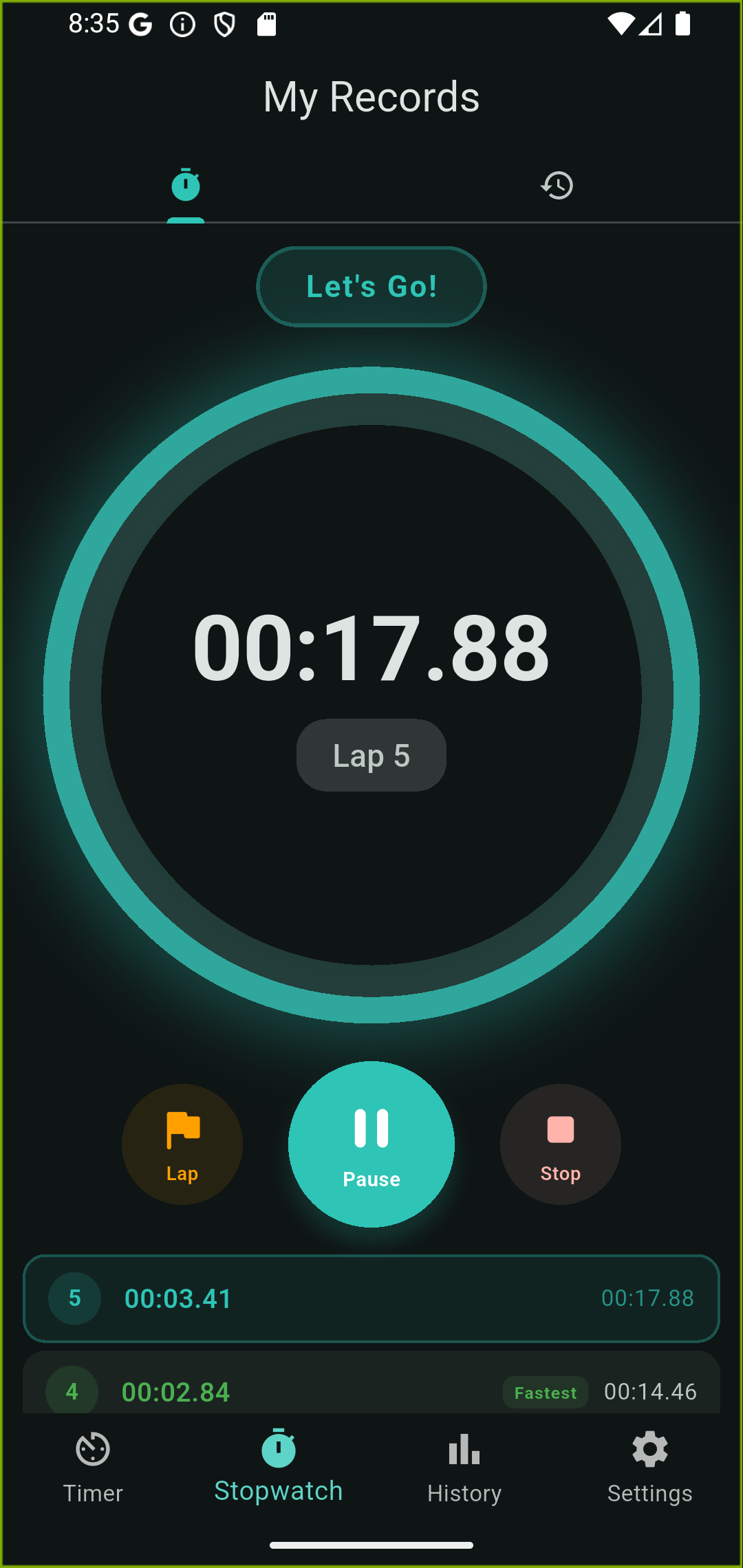
Good Timer is a versatile timer app for everyday life. It provides a customizable interval timer and a stopwatch with lap recording, perfect for studying, exercising, cooking, meditation, and more.
Switch between screens using the tabs at the bottom (portrait) or left side (landscape).
| Timer | Interval timer |
|---|---|
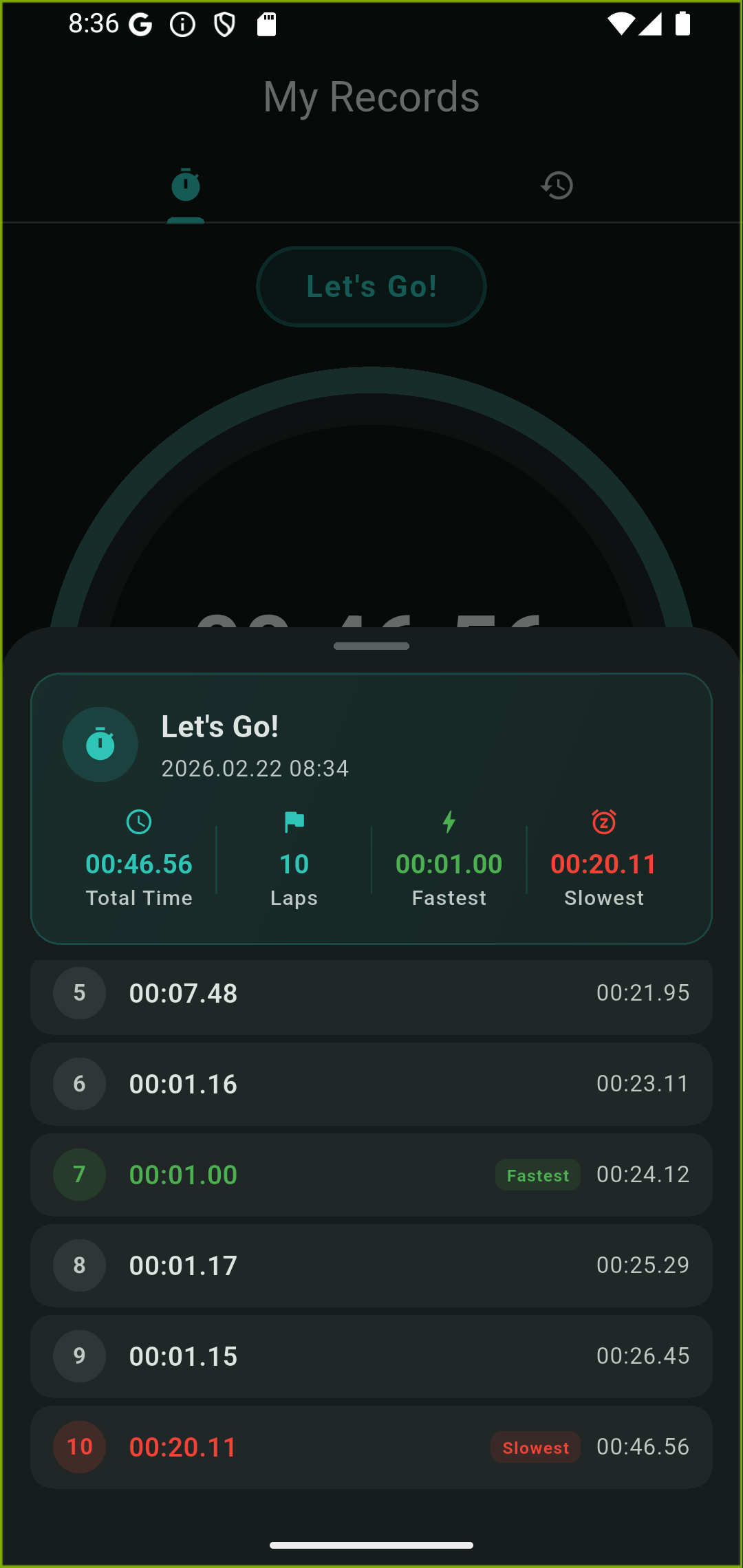
| Stopwatch | Stopwatch with lap recording |
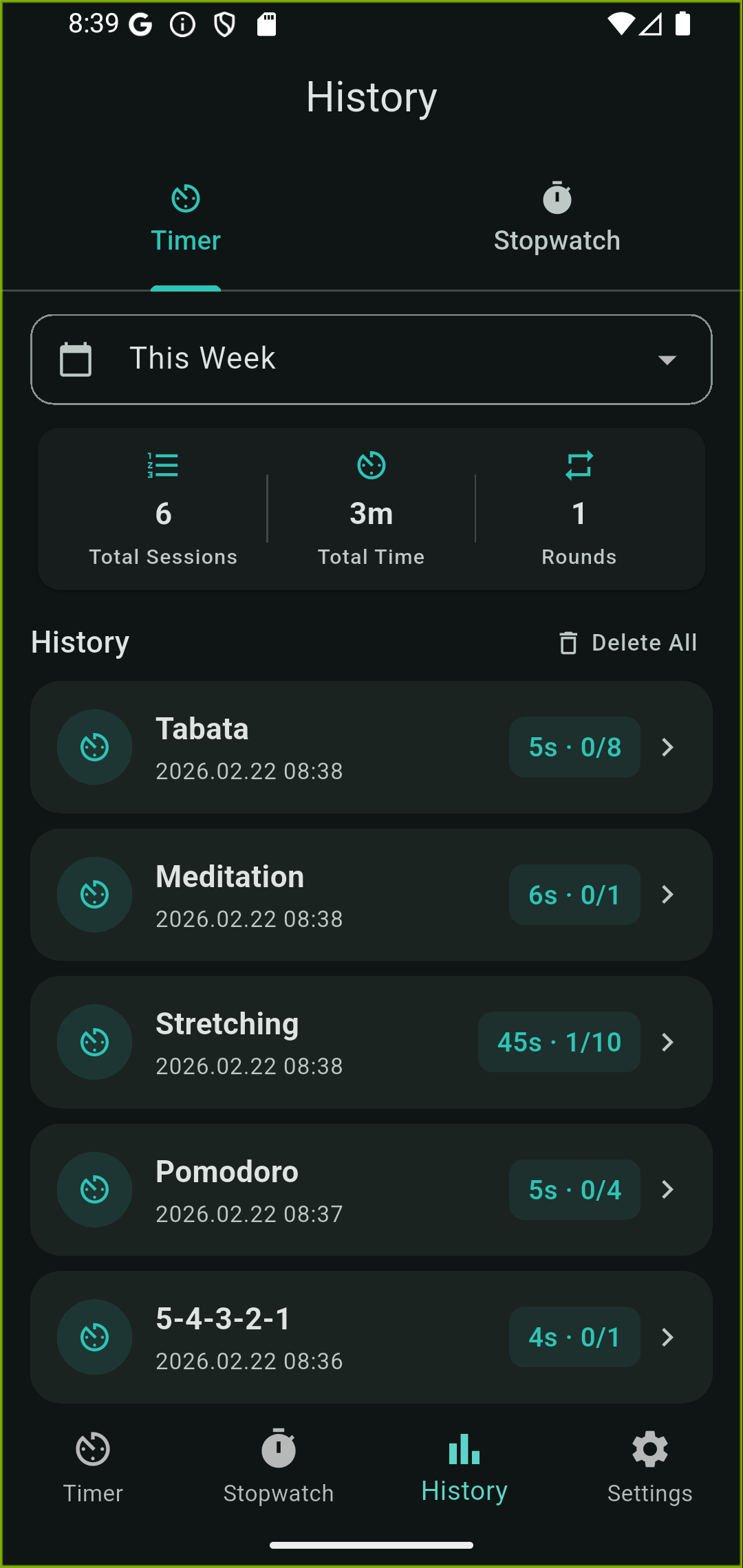
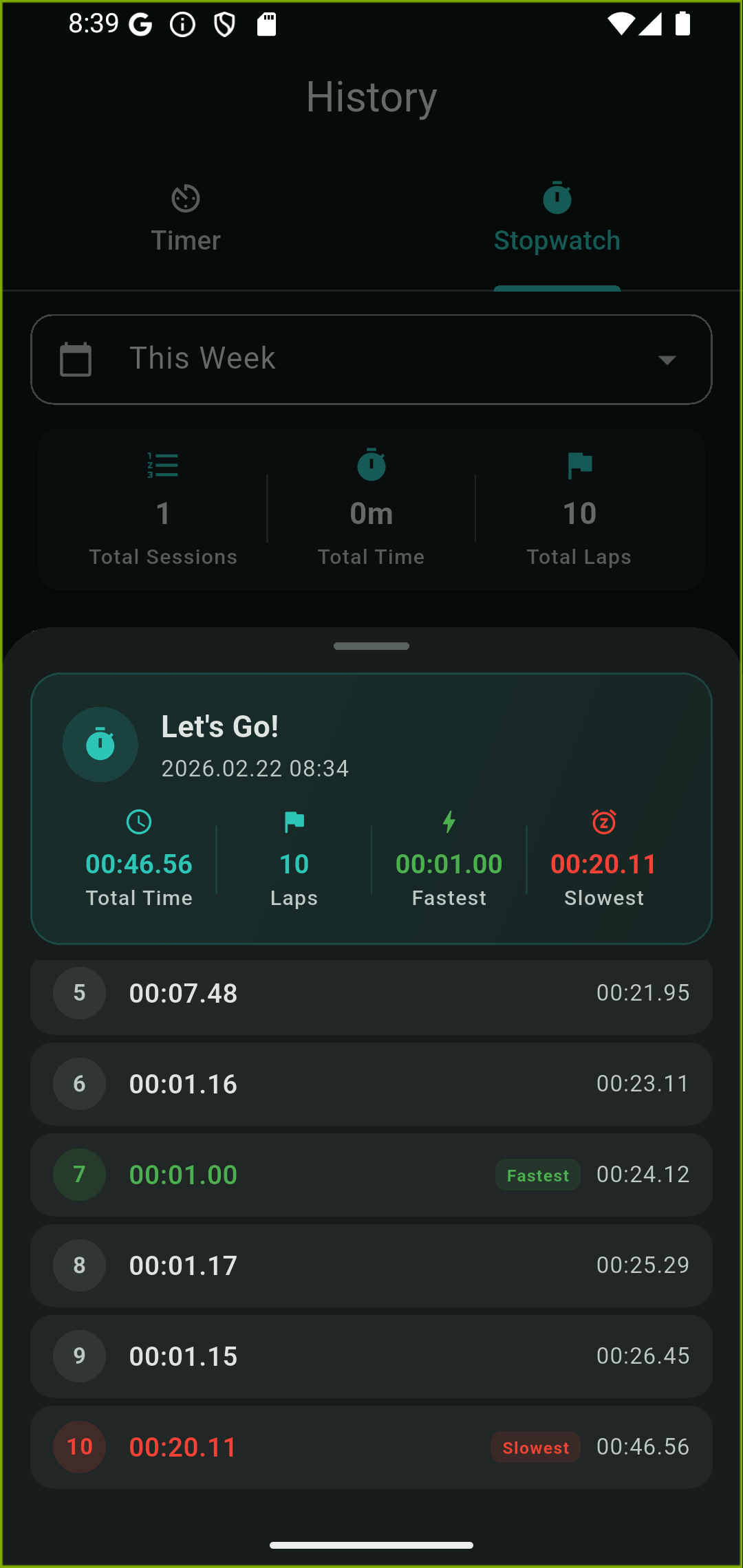
| History | Usage history and statistics |
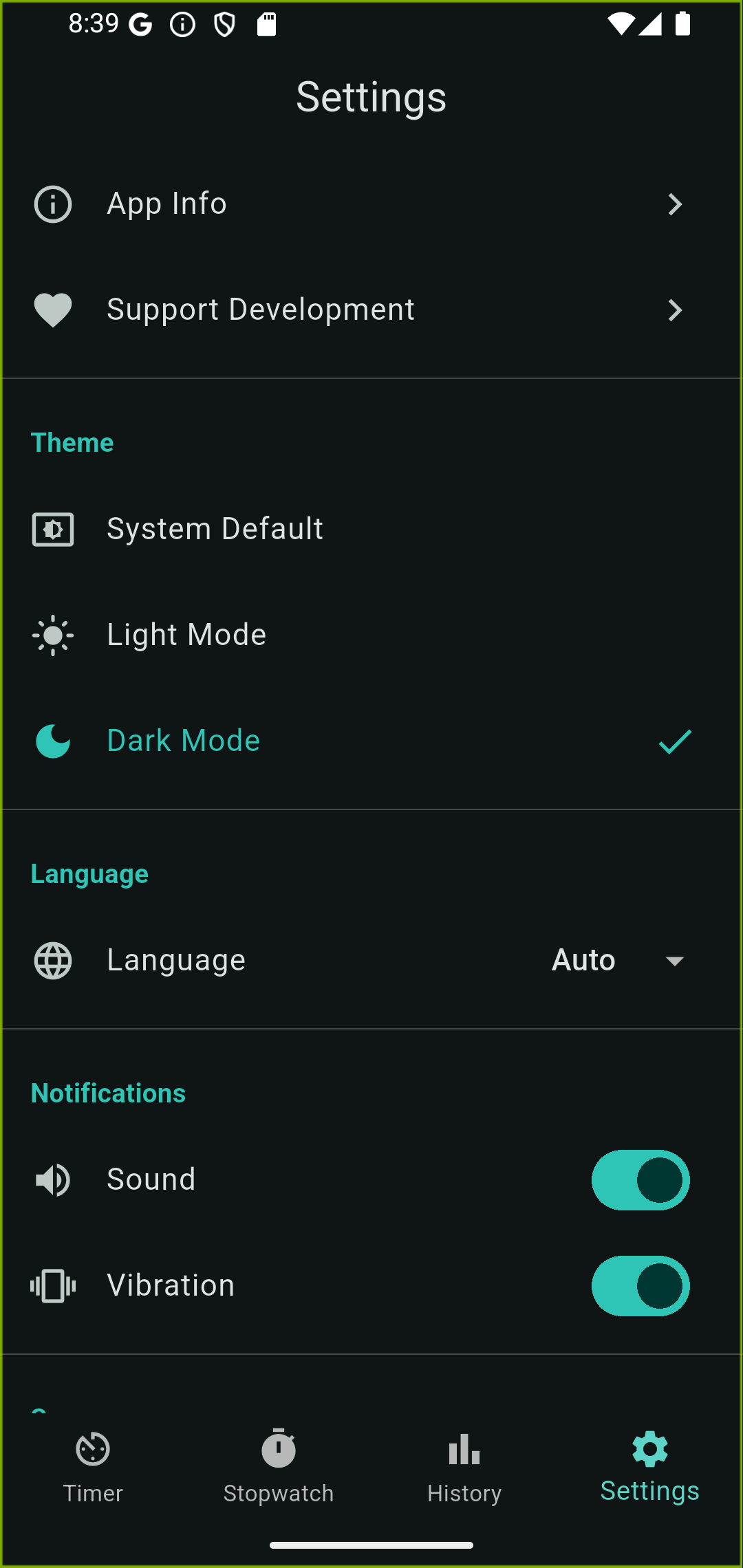
| Settings | App settings |
The timer consists of phases and rounds.
Example: Focus (25 min) → Break (5 min), repeated for 4 rounds
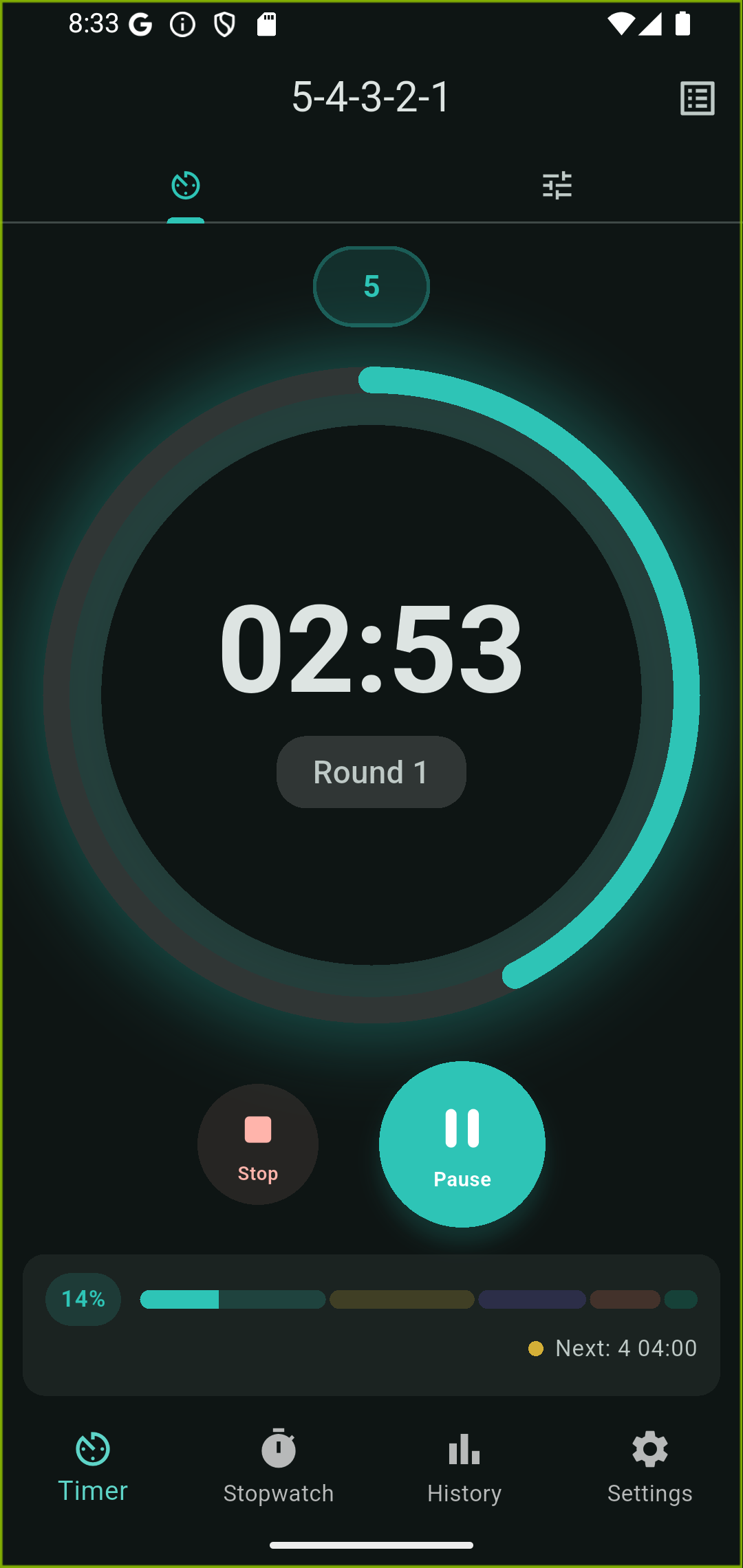
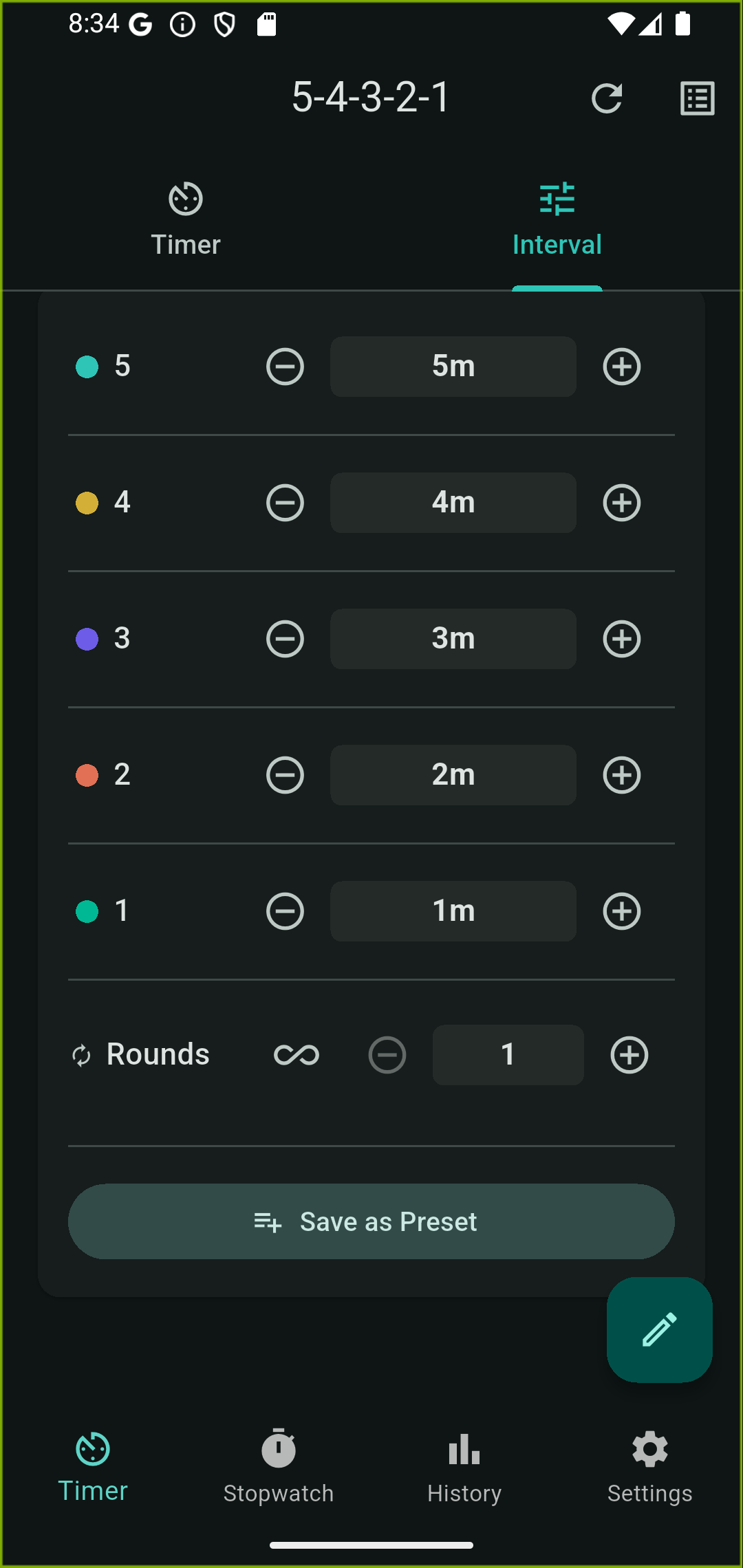
The timer screen has two tabs.
Timer Tab
Settings Tab
| Idle | Start |
|---|---|
| Running | Pause |
| Paused | Resume, Stop |
| Stopped | Reset, Start |
| Completed | Reset, Start |
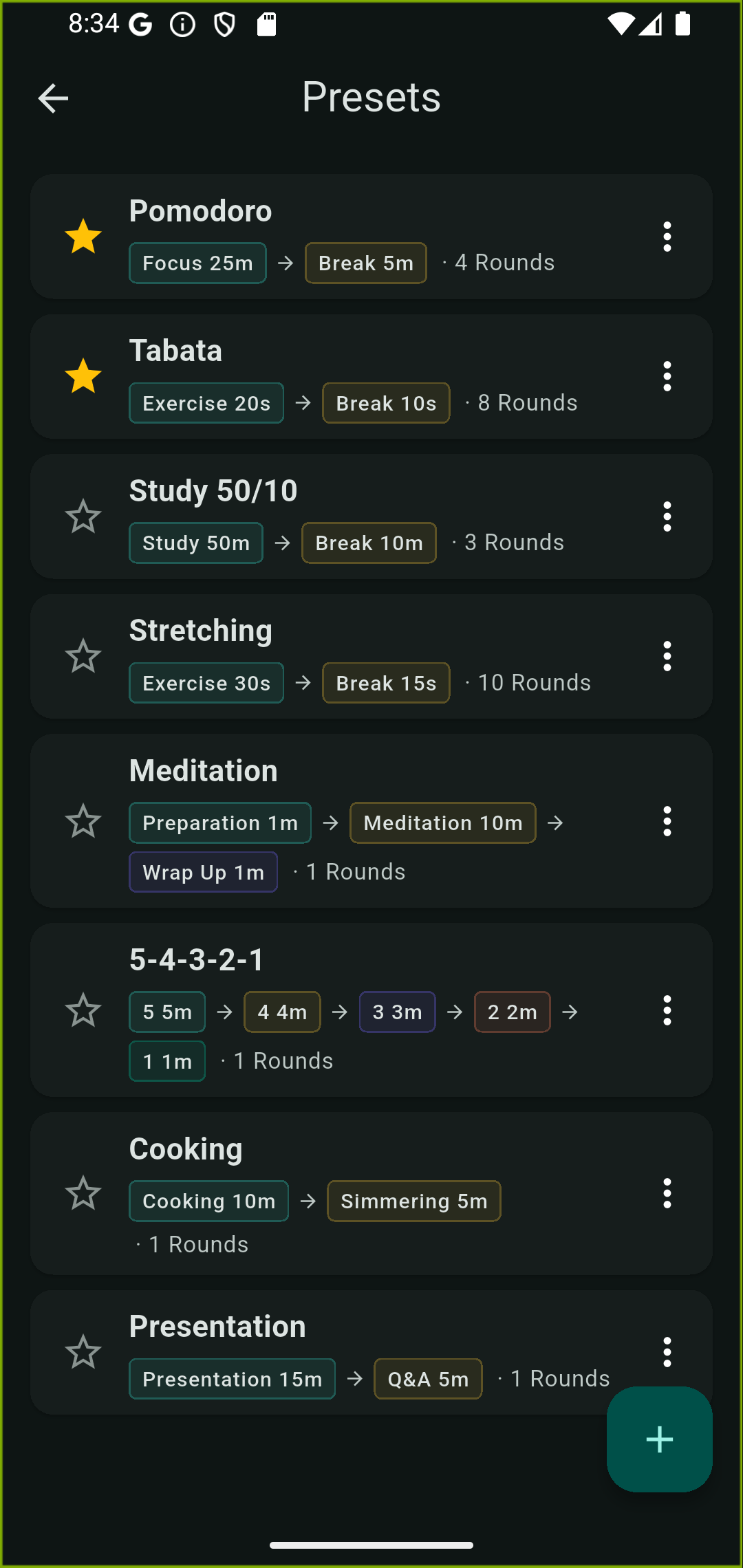
A preset is a saved timer configuration (phases + rounds) for quick reuse.
The following presets are created automatically on first launch:
Assign labels to stopwatch sessions for categorization.
The second tab on the Stopwatch screen lets you quickly view sessions recorded today.
View timer and stopwatch usage history in the History tab.
Back up and sync your data via Google Drive.
Before signing in:
After signing in:
Support the developer through in-app purchases. Ads are removed after any purchase.
In-app purchases are not available on Windows.
| Feature | Android | Windows |
|---|---|---|
| Ads | Yes (removed after support) | Coming soon |
| In-App Purchase | Supported | Coming soon |
| Cloud Sync | Supported | Coming soon |
View the Good Timer Privacy Policy.