
Board Games
User Manual
User Manual
| App Name | Board Games |
|---|---|
| Version | 1.0.1 |
| Developer | Willee Project |
| Platform | Android |
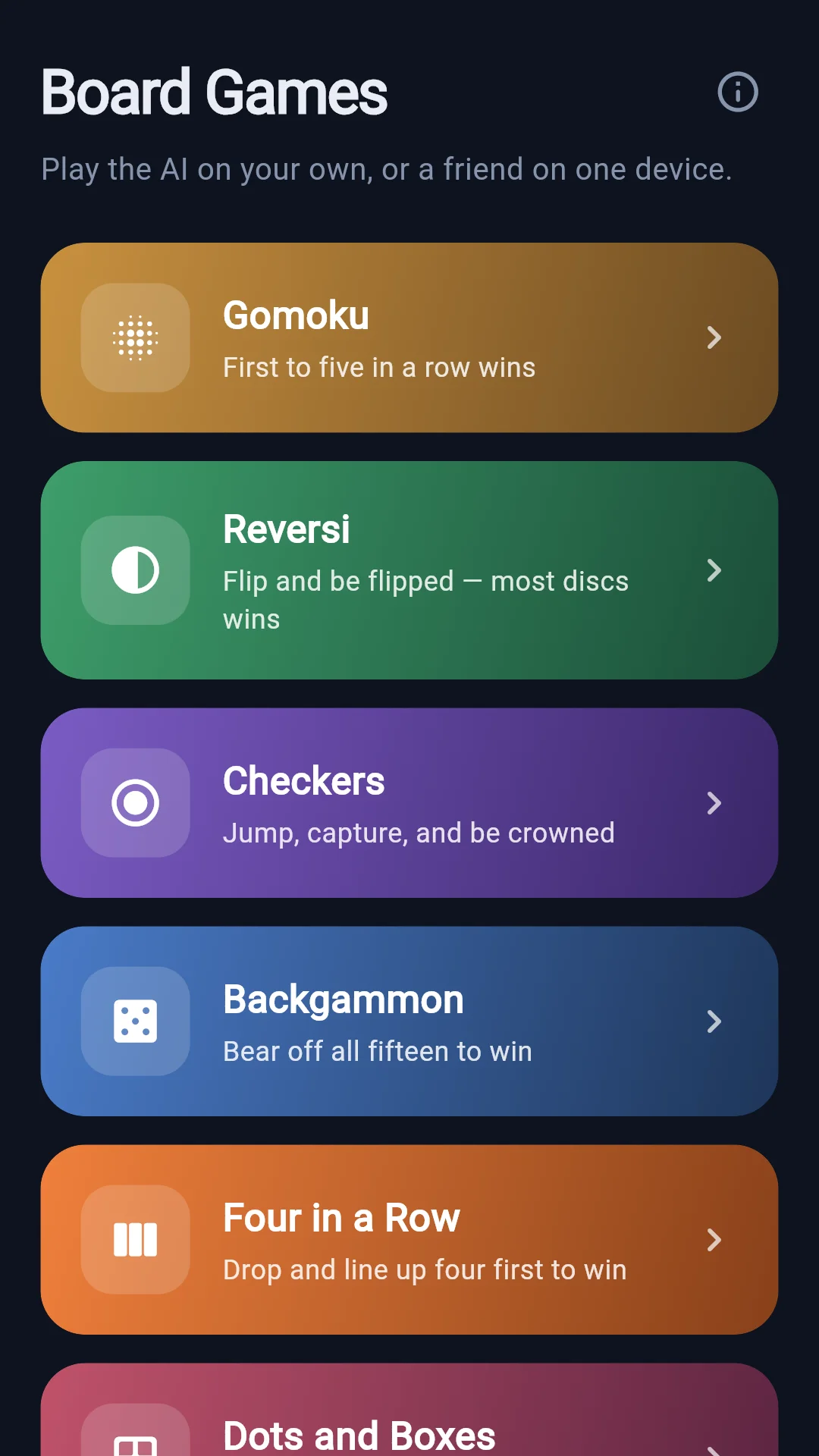
Seven board games in one app. Play the AI on your own, or a friend on one device.
Opening the app takes you to the lobby, a list of game cards. Tap a card and a setup sheet slides up with that game's rules.
Games you played recently move to the top. Only games you actually made a move in count — if you open one, read the rules and back out, the order stays as it was.
| Choice | Options | Notes |
|---|---|---|
| Opponent | vs AI / 2 players | "2 players" means two people taking turns on the same phone. |
| Difficulty | Easy / Normal / Hard | Only shown when playing the AI. |
| First move | I go first / AI goes first | Only shown when playing the AI. |
Tap Start to open the board.
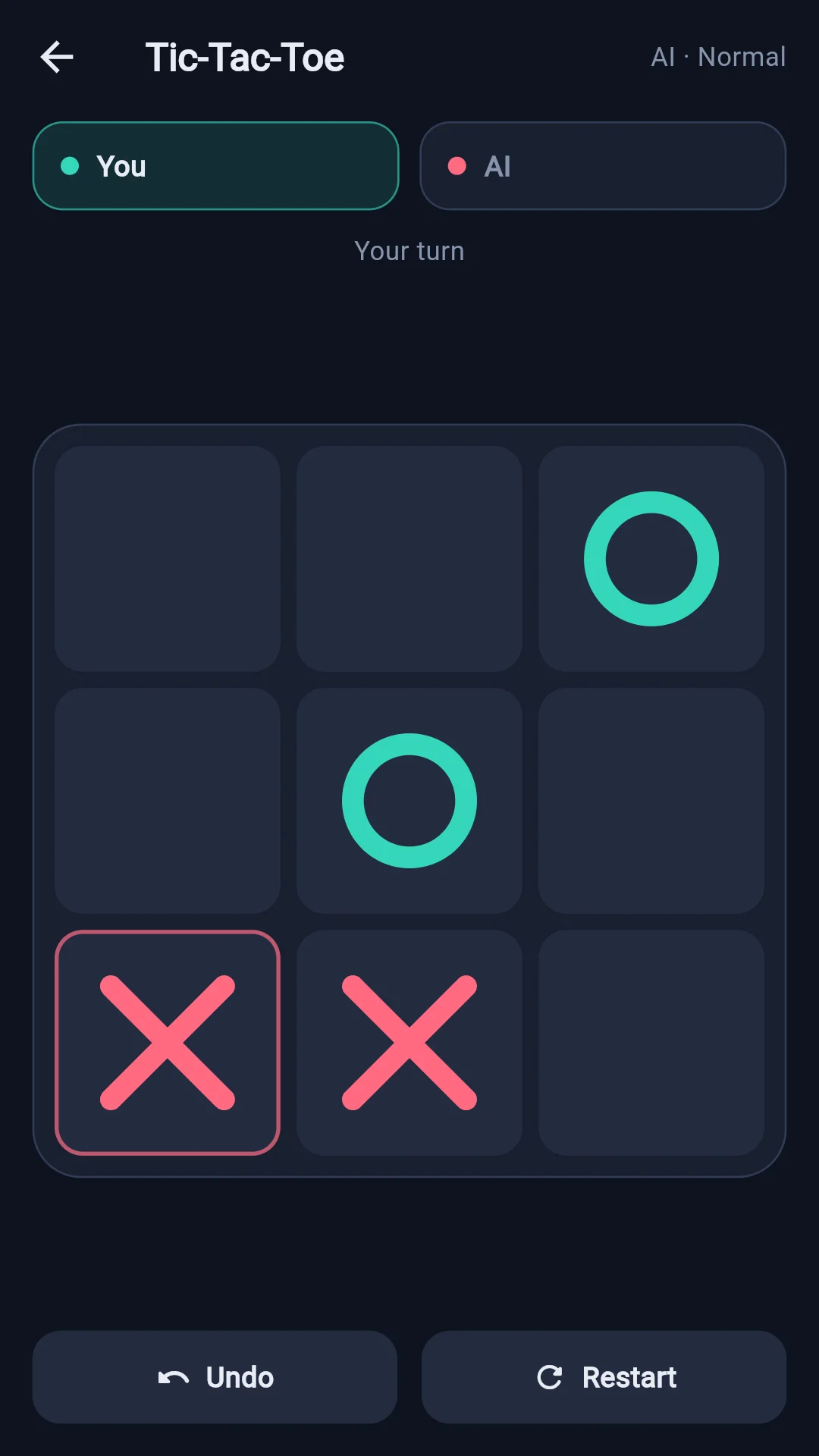
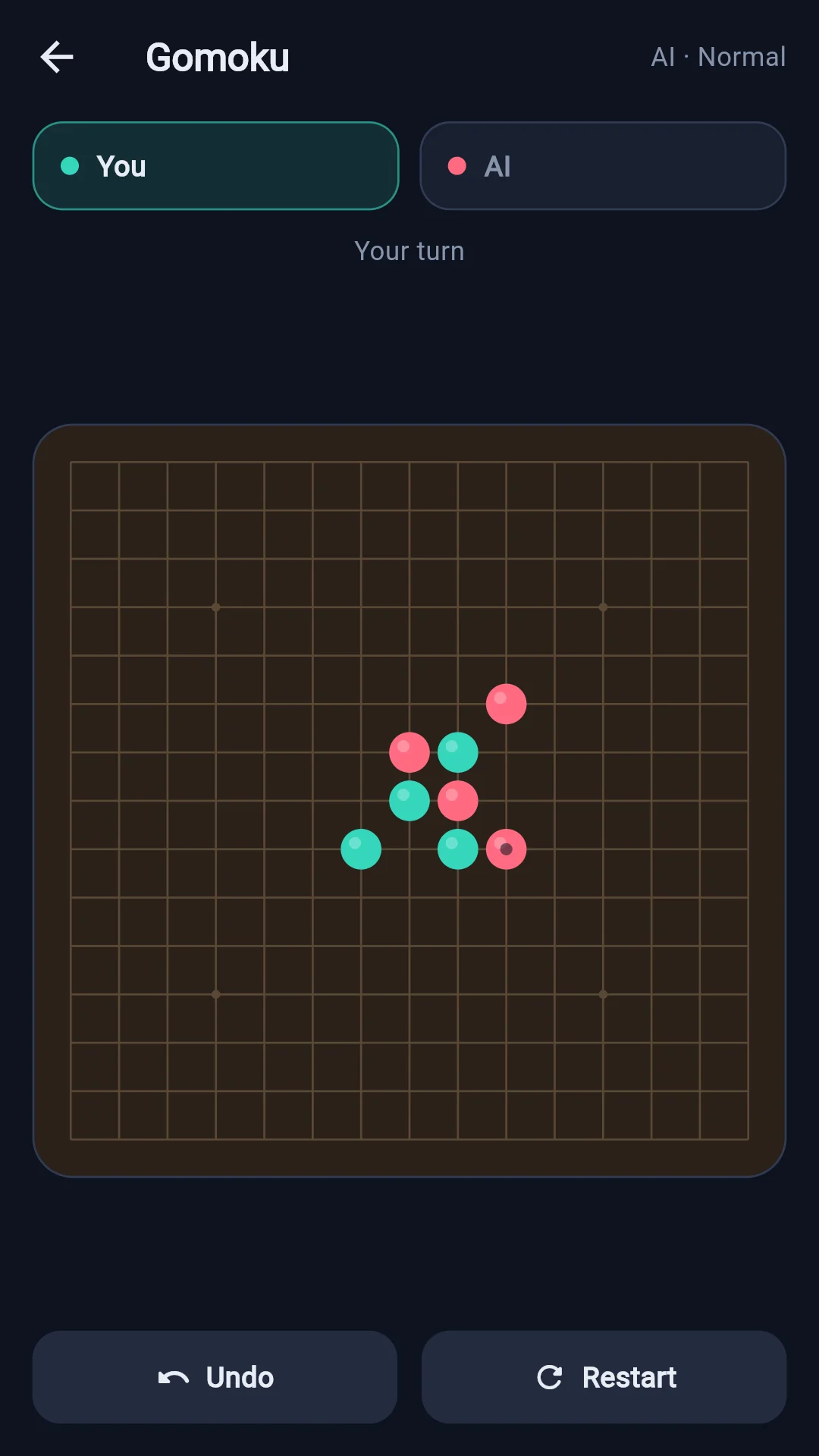
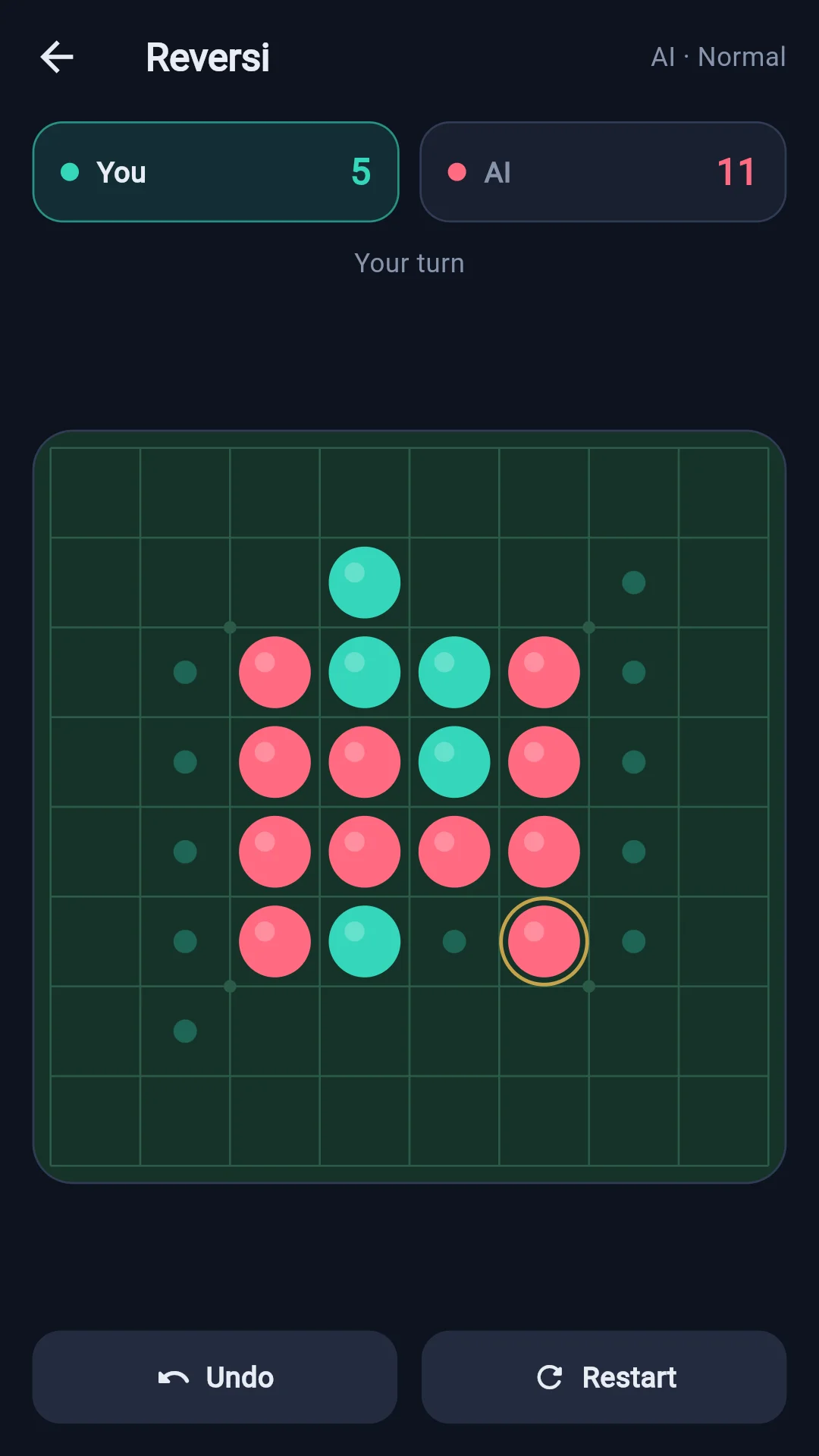
The screen has four bands, top to bottom.
A pair of chips at the top. Whoever has the move lights up. Some games show a score alongside.
| Game | What the number means |
|---|---|
| Reversi | How many discs you hold right now |
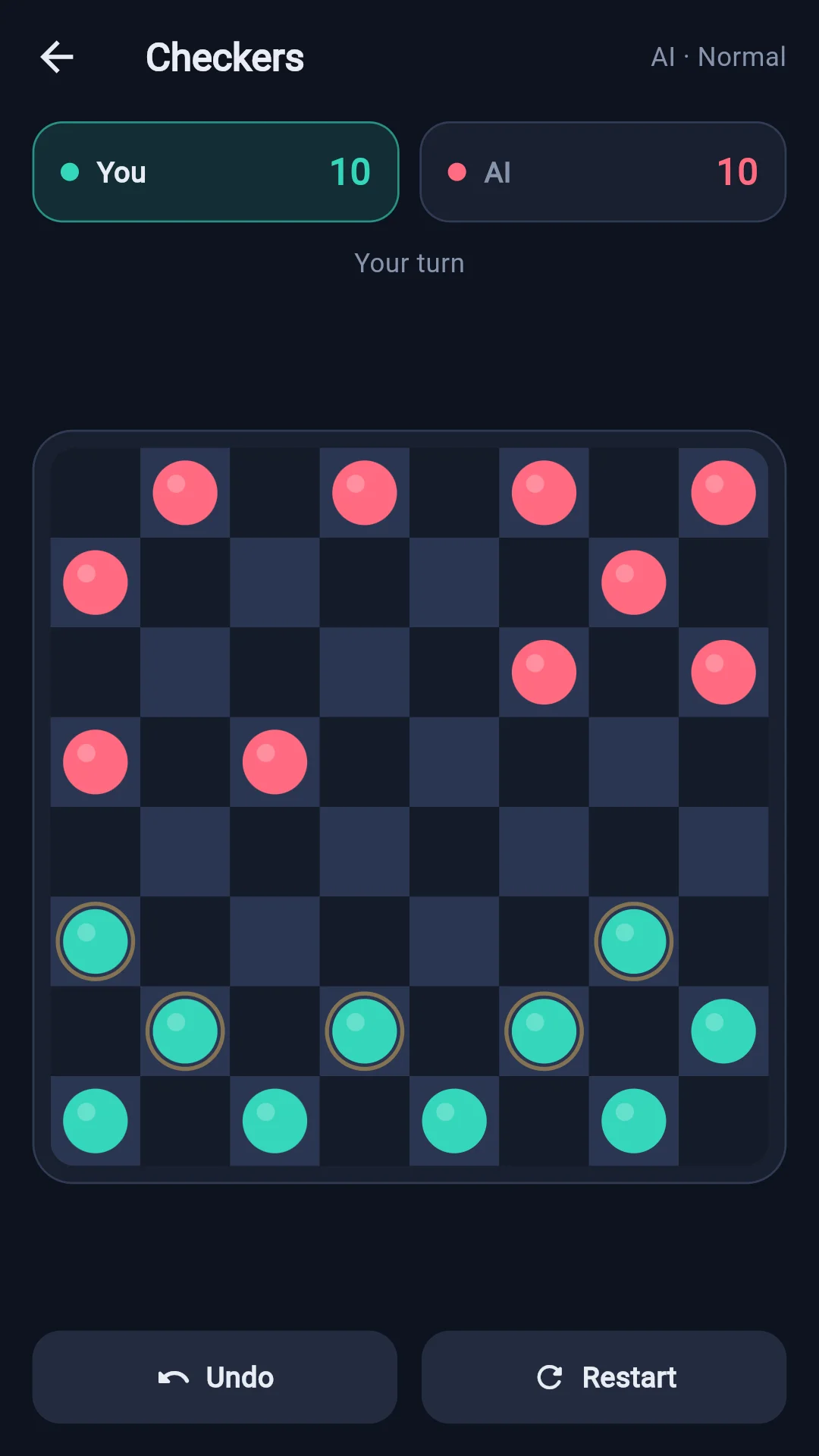
| Checkers | How many of your pieces are still alive |
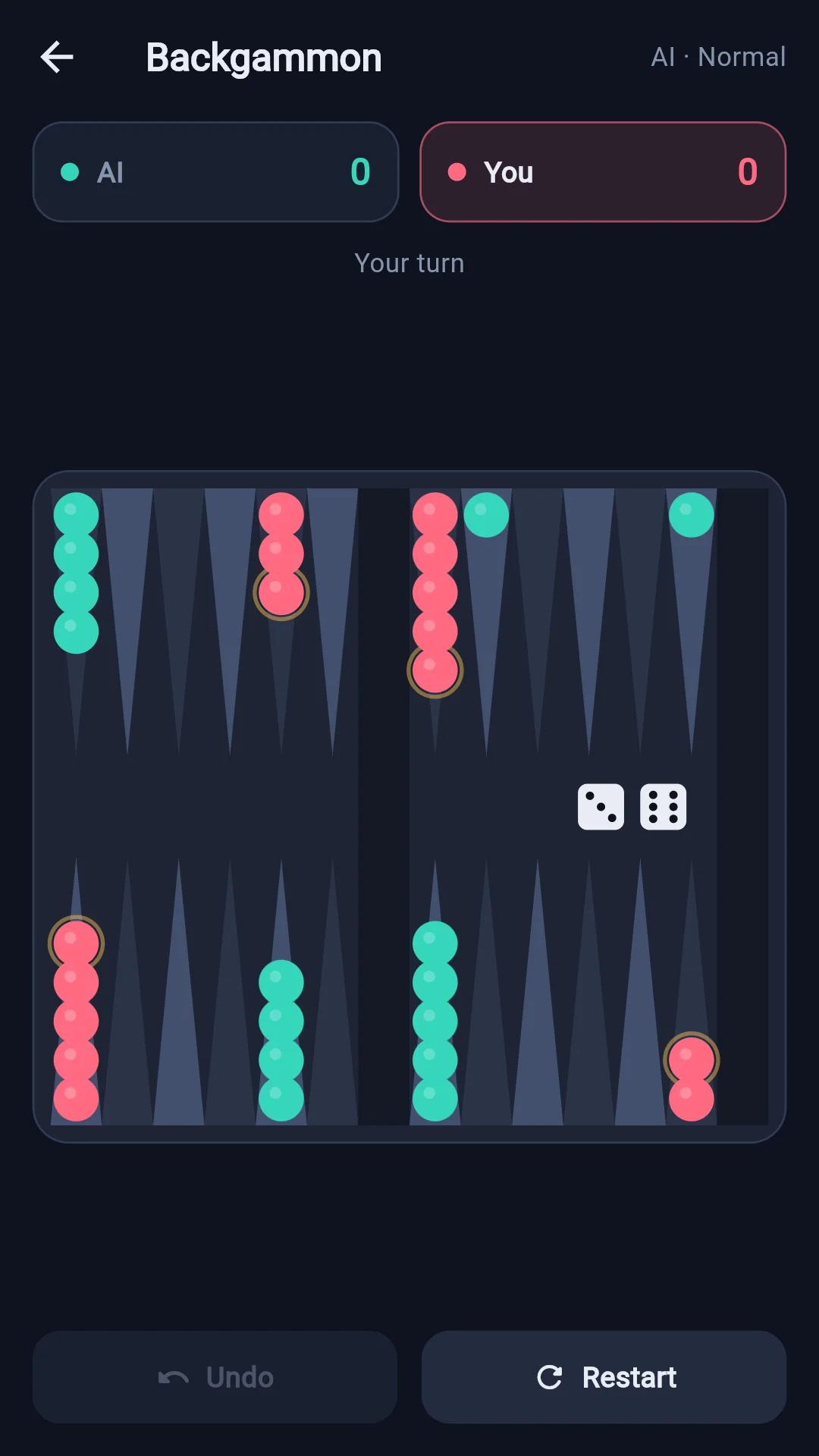
| Backgammon | How many checkers you have borne off |
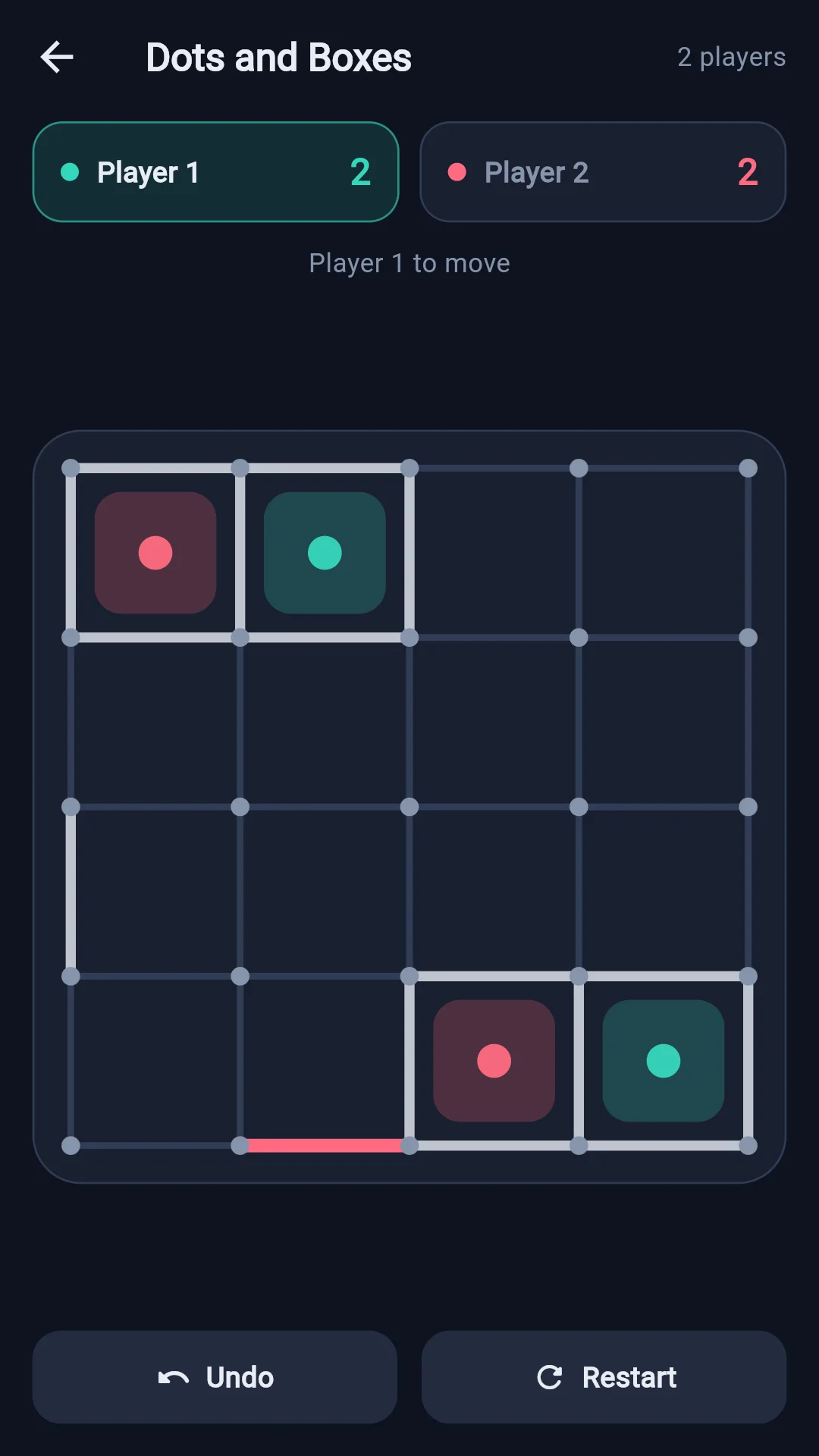
| Dots and Boxes | How many boxes you have claimed |
Gomoku, Four in a Row and Tic-Tac-Toe have nothing to count, so no number is shown.
What is happening right now: Your turn, AI is thinking…, Rolling the dice…. When a rule fires, a note in gold appears in front of it.
| Gold note | What it means |
|---|---|
| No moves — turn skipped | (Reversi) The other side had no legal move, so it was skipped and the same side plays again |
| Chain jump | (Checkers) You must keep capturing from where you just landed |
| Checker on the bar | (Backgammon) You must re-enter your knocked-out checker first |
In the middle. This is where you tap to play.
The two buttons at the bottom. See the next section.
When the game ends a result panel covers the board with the outcome and the score. From there you can go back to the Lobby or Restart for another game with the same settings.
Undo rewinds to your last decision. The AI's reply is taken back with it. If there is no turn of yours to go back to, the button is greyed out.
The dice come back as they were. In Backgammon, undo takes you back to your previous turn with the same numbers that were rolled for it.
Restart sets the board back to the start. Your settings (opponent, difficulty, first move) stay as they were.
Take turns placing stones on the intersections. The first to line up five in a row — across, down, or diagonally — wins. This is the free-style rule with no forbidden moves, so a row of six or more also wins.
Tap twice to place a stone. The board is dense and hard to hit precisely with a fingertip, so tap once to aim and tap the same point again to commit. Tapping elsewhere moves your aim there instead.
Place a disc so that a line of your opponent's discs is trapped between it and another of your own — every trapped disc flips to your colour. You may not play where nothing would flip.
If you have no legal move your turn is skipped (the status line shows No moves — turn skipped). When neither side can move the game ends, and whoever has more discs wins.
Pieces move one square diagonally forward. Jump over an opponent's piece to capture it.
Capturing is compulsory, and if another capture is open from where you land you must keep jumping (the status line shows Chain jump). Reach the far row and your piece is crowned a king, which may also move backwards.
Capture every enemy piece, or leave your opponent with no legal move, to win.
Roll the dice and move your checkers by the numbers shown. You must use as many of the dice as you legally can, and a double lets you move four times.
Land on a point held by a lone enemy checker and it is knocked out to the bar. A checker on the bar has to re-enter before you may move any other (the status line shows Checker on the bar).
Once all fifteen of your checkers are home you may start bearing them off. Bear all fifteen off first to win.
Backgammon has two extra buttons.
Take back — undoes only what you have moved this turn, before you commit it.
No legal moves — pass — appears only when the roll leaves you nothing you can legally play.
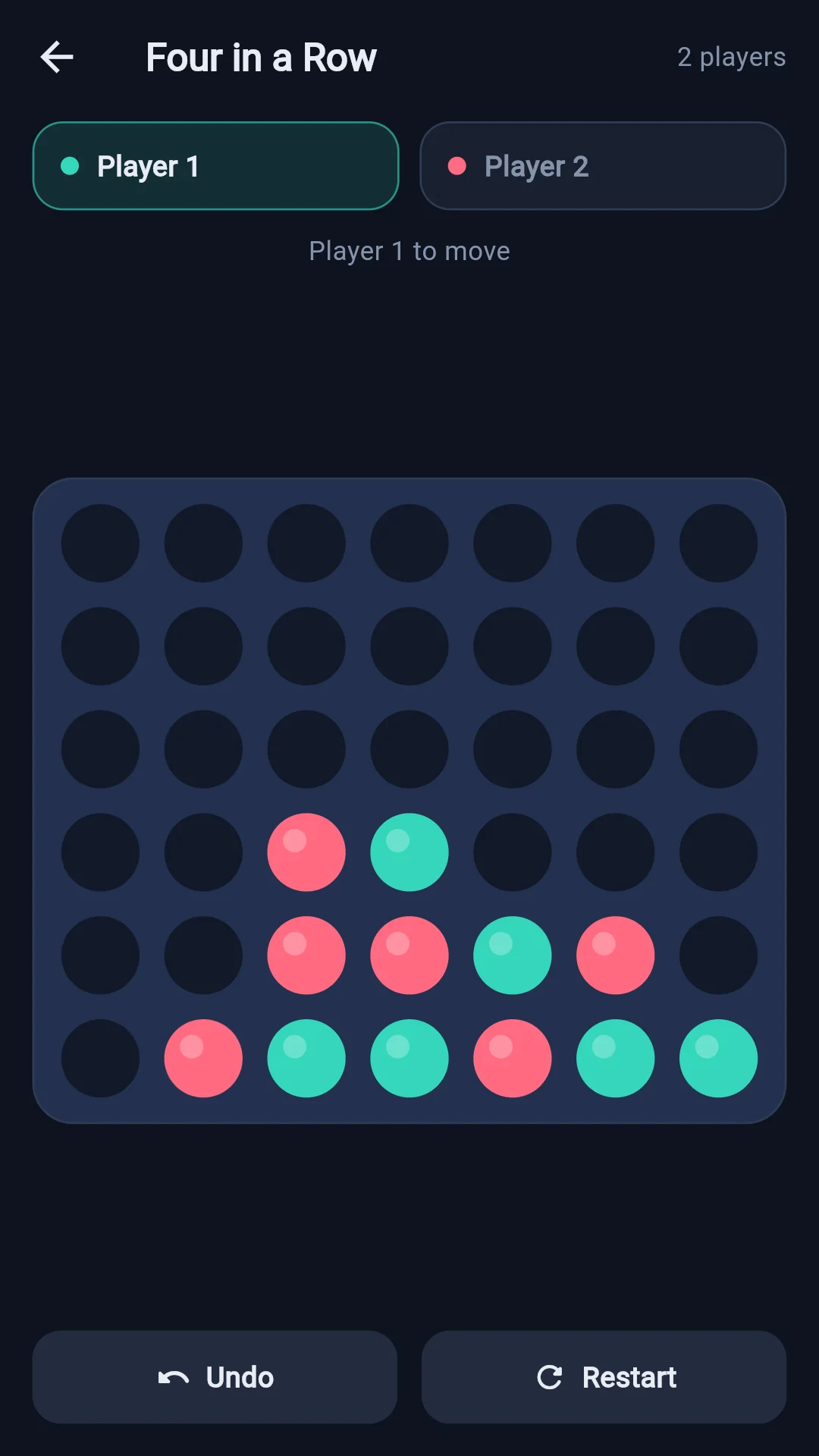
Pick a column and drop a disc — it falls to the lowest empty slot in that column. The first to line up four — across, down, or diagonally — wins. If the board fills up with no line, the game is a draw.
Take turns joining two neighbouring dots with a line. Whoever draws the fourth side of a box claims it and immediately plays again. The player holding more boxes wins.
Take turns marking an empty square. The first to line up three of their own marks — across, down, or diagonally — wins.
The app follows your phone's language settings. There is no language picker inside the app.
Korean, English, Japanese and Chinese (Simplified) are supported. If your phone is set to any other language, the app is shown in English. If you have several languages listed on your phone, the app walks down the list and uses the first one it can match.
A single banner sits at the bottom of the screen. It is one and the same banner whether you are in the lobby or in a game.
If you are in Europe or certain other regions, a consent dialog appears the first time you open the app. Declining changes nothing about what you can do in the app.
The consent you set can be changed at any time from the App info (ⓘ) button at the top right of the lobby → Ad consent.
This app has no sign-up and no account, and the developer collects no personal data at all. See the Privacy Policy for details.