TarotYo
User Manual
User Manual
| App Name | TarotYo |
|---|---|
| Version | 1.0.1 |
| Developer | Willee Project |
| Platforms | Android |
Thank you for using TarotYo. This document guides you step by step through how to use the app.
TarotYo is a tool that draws from the 78 tarot cards and turns the result into a prompt (a question to ask) that an AI chatbot can interpret.
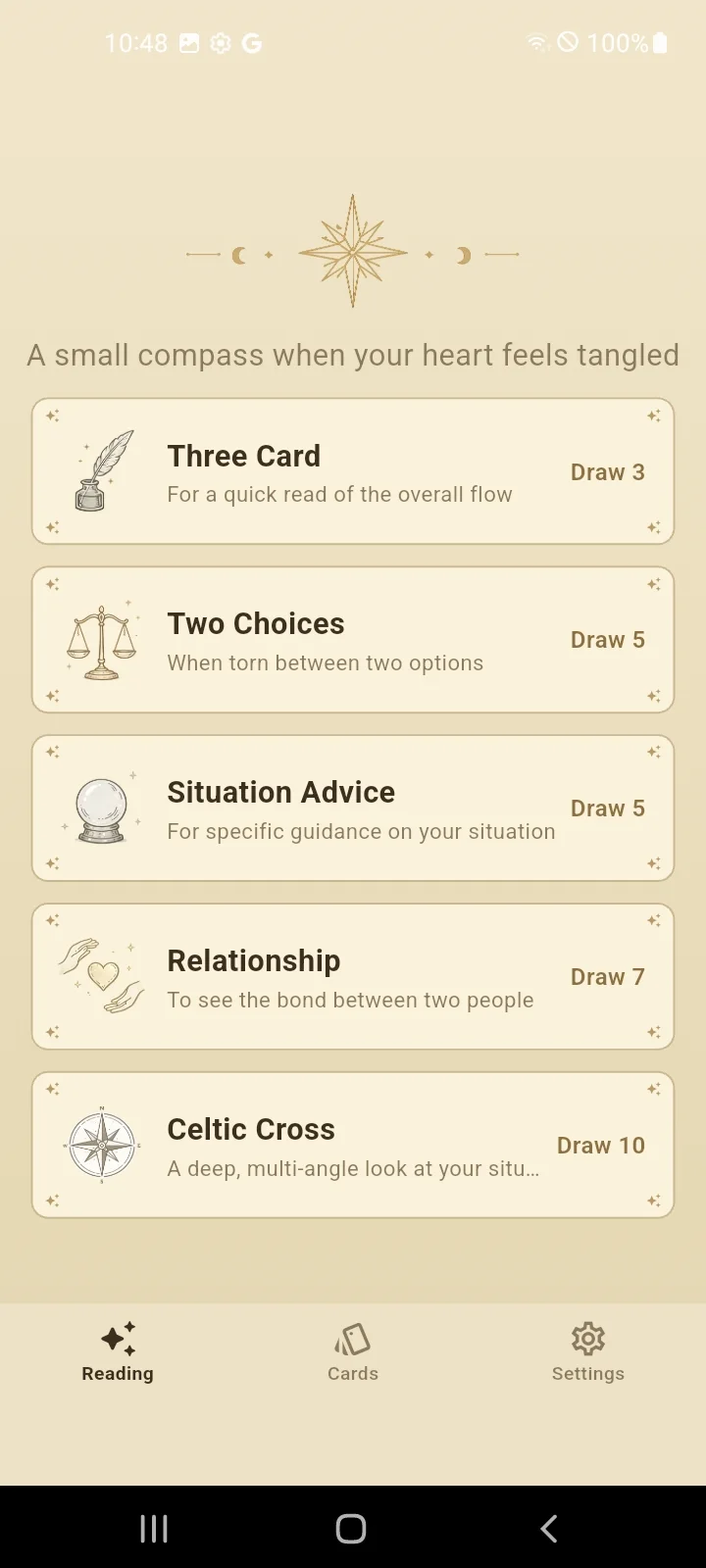
There are three tabs at the bottom of the screen.
| Reading | Set your question, draw cards, and create a prompt. |
|---|---|
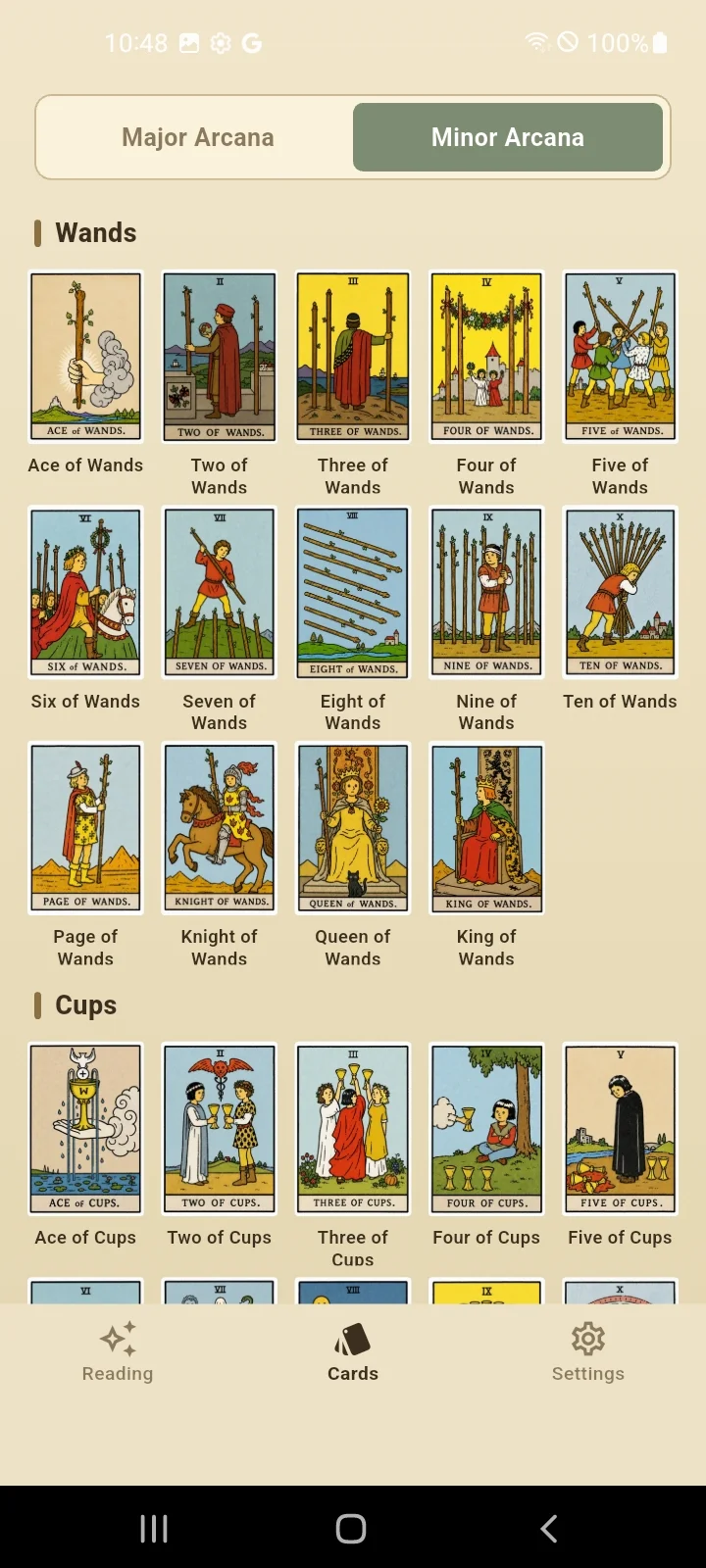
| Cards | Browse all 78 tarot cards. |
| Settings | Configure the card back, language, and About information. |
Drawing cards takes place in six steps.
Choose a spread (card layout) that fits the nature of your question.
| Spread | Cards | When to use |
|---|---|---|
| Three Card | 3 | When you want a quick look at the flow |
| Two Choices | 5 | When you are torn between two options |
| Situation Advice | 5 | When you want specific flow and advice |
| Relationship | 7 | When you want to see the bond and feelings between two people |
| Celtic Cross | 10 | When you want a deep, multi-angle look at a situation |
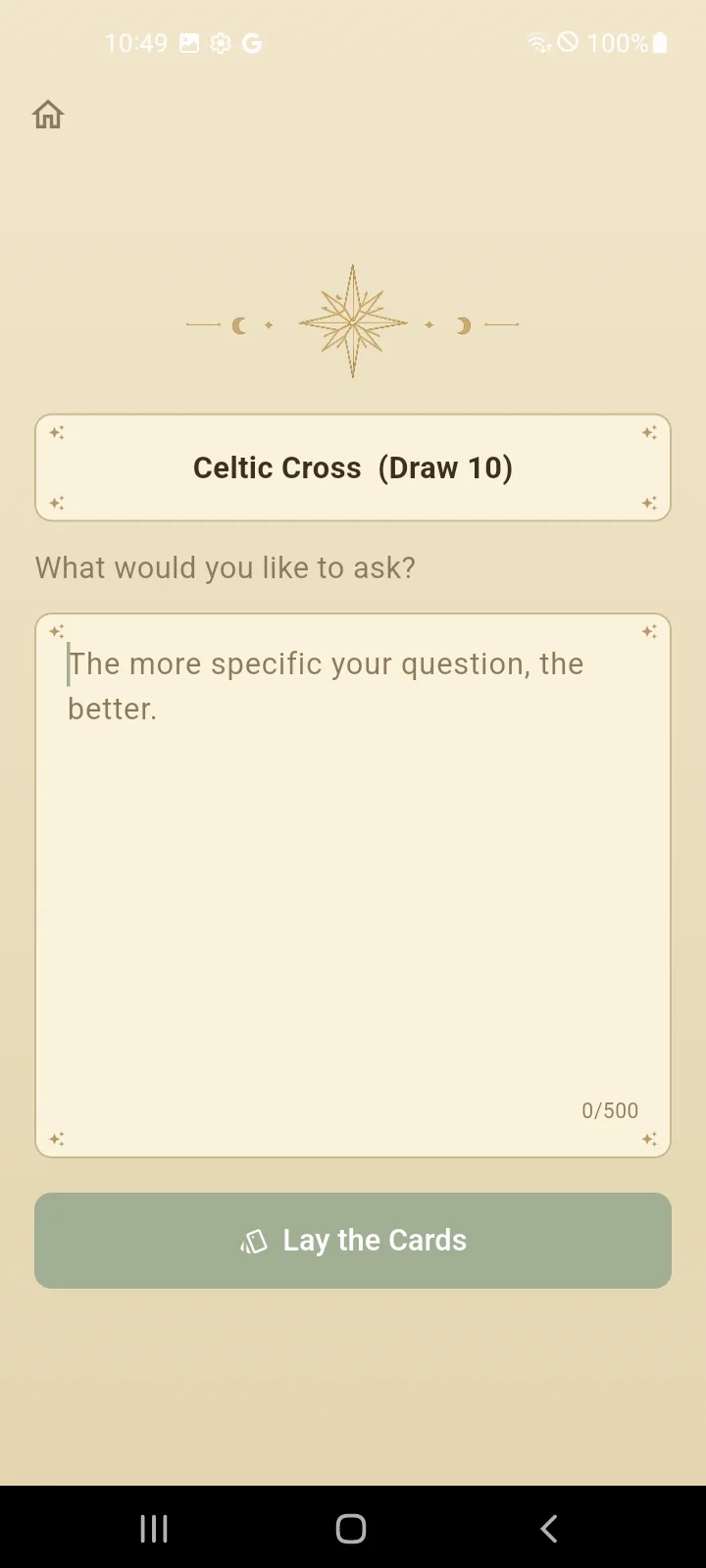
Enter what you are curious about. The more specific the question, the better. (For example: "Is moving to a new job a good choice for me?") You can also proceed without a question.
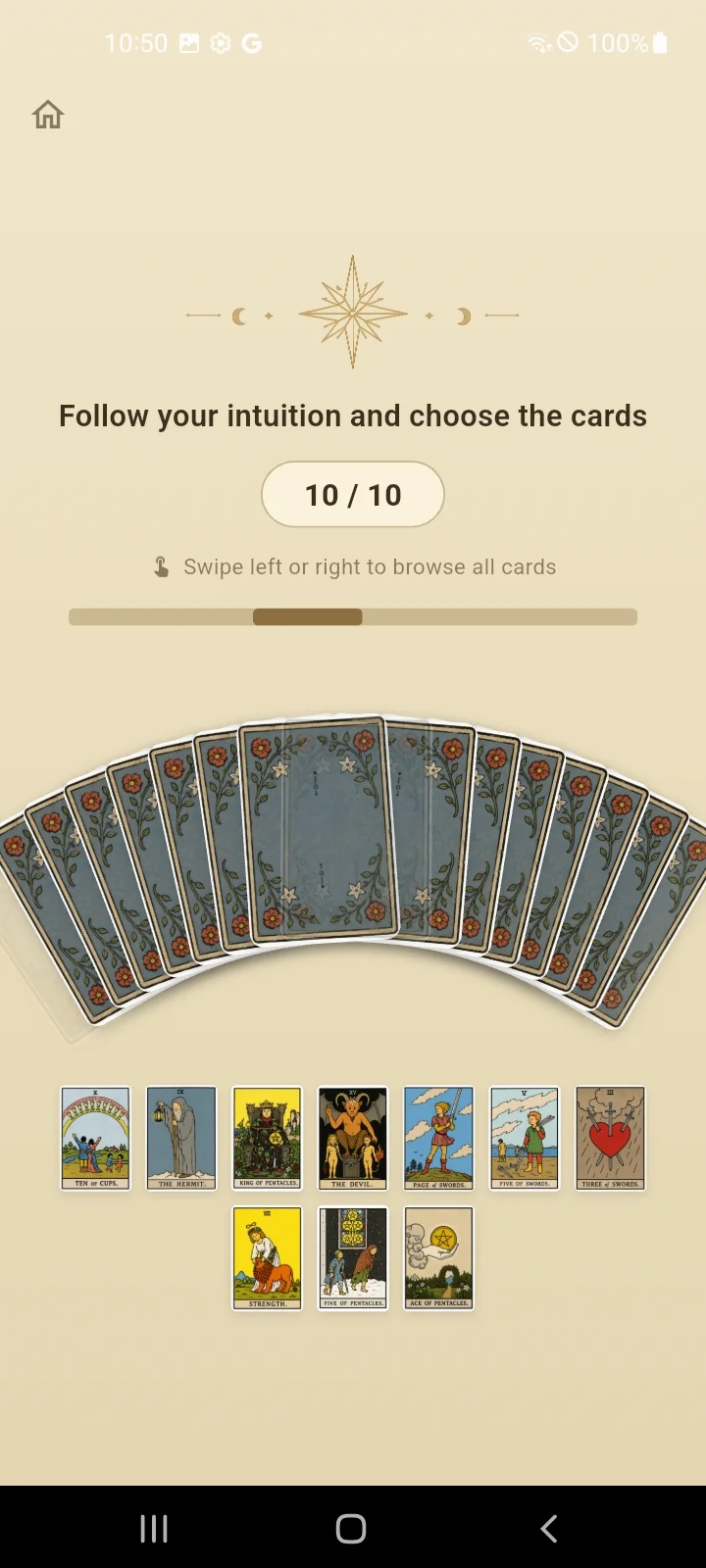
Swipe left and right through the fan of spread-out cards, and select as many cards as the spread requires, following your intuition.
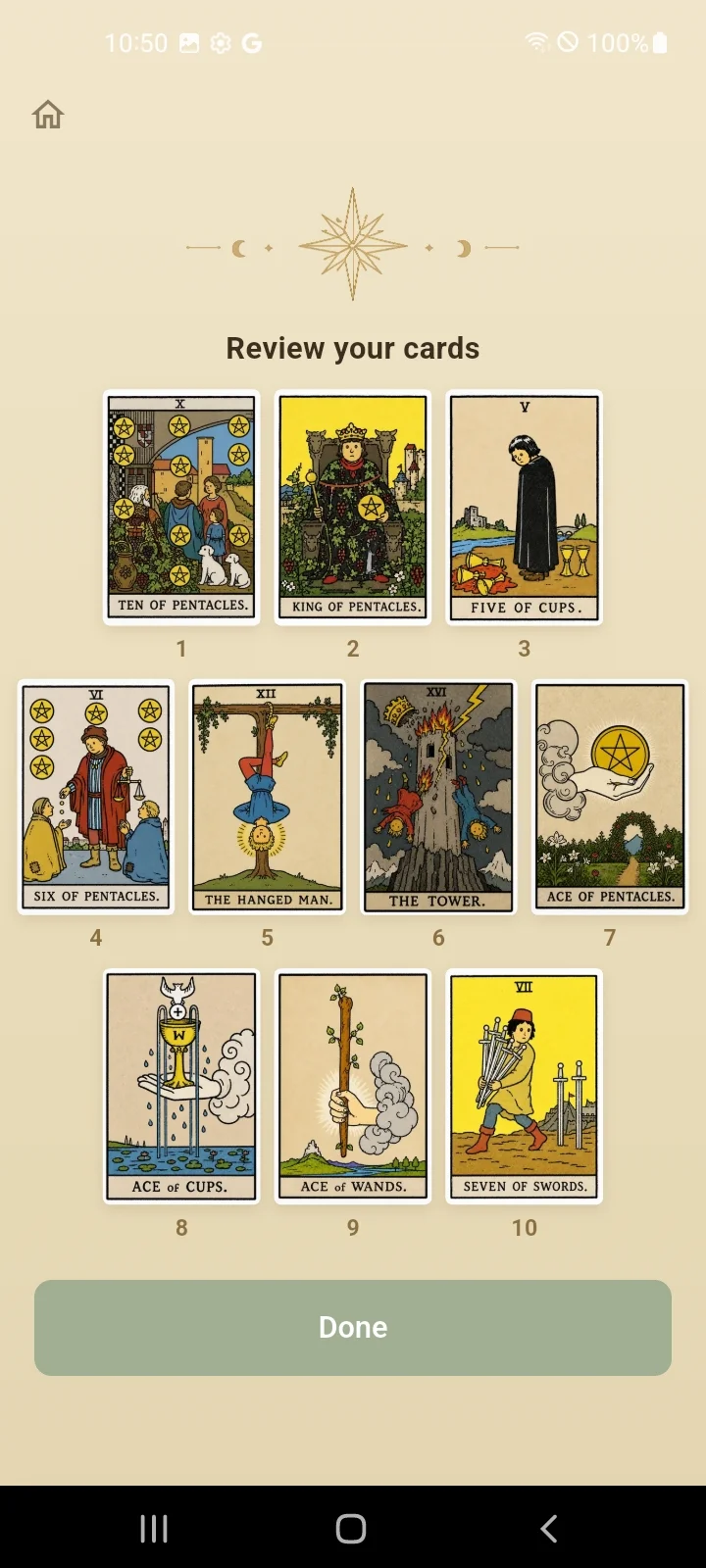
Review the cards you chose. If you want to choose again, you can go back to the previous step.
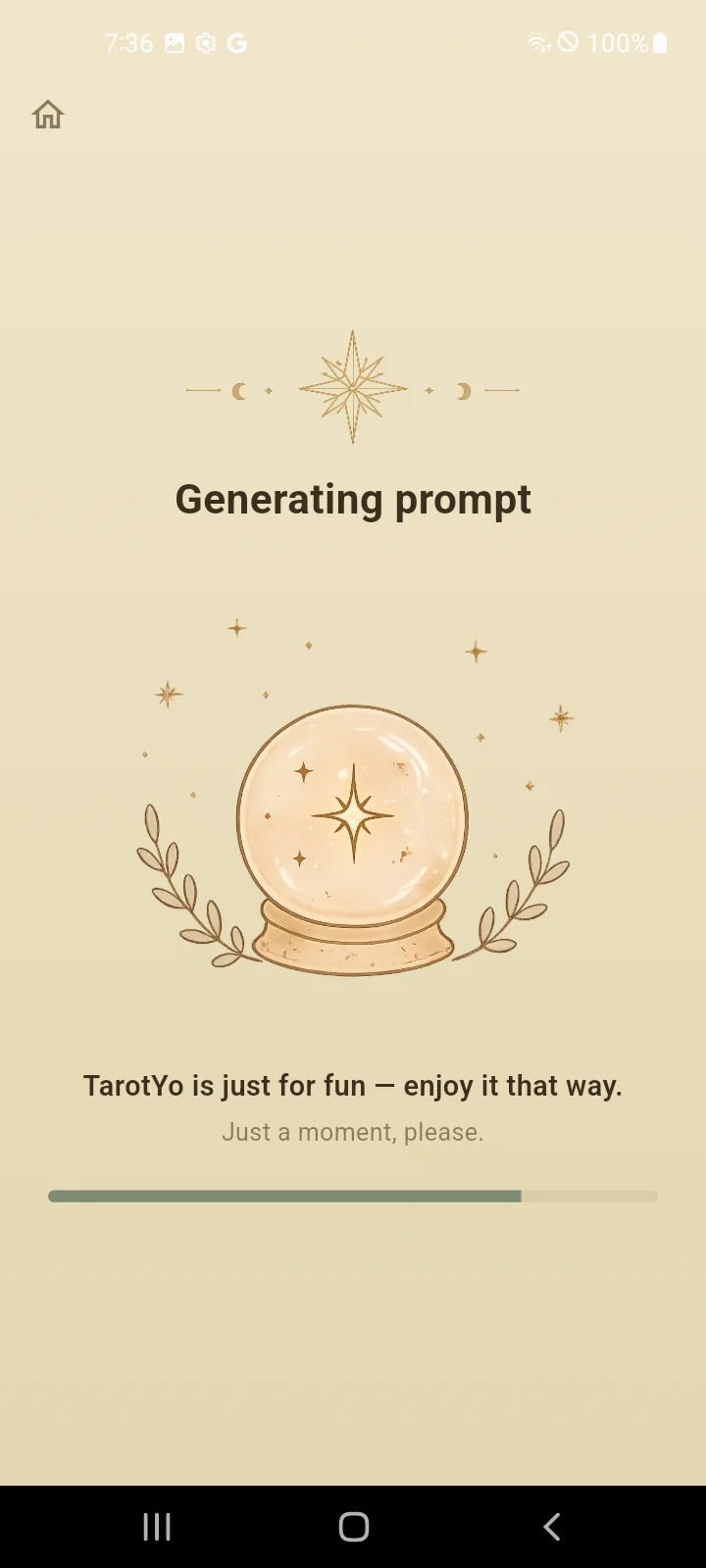
Wait a moment, and a prompt containing the meanings of the cards and their positions is created.
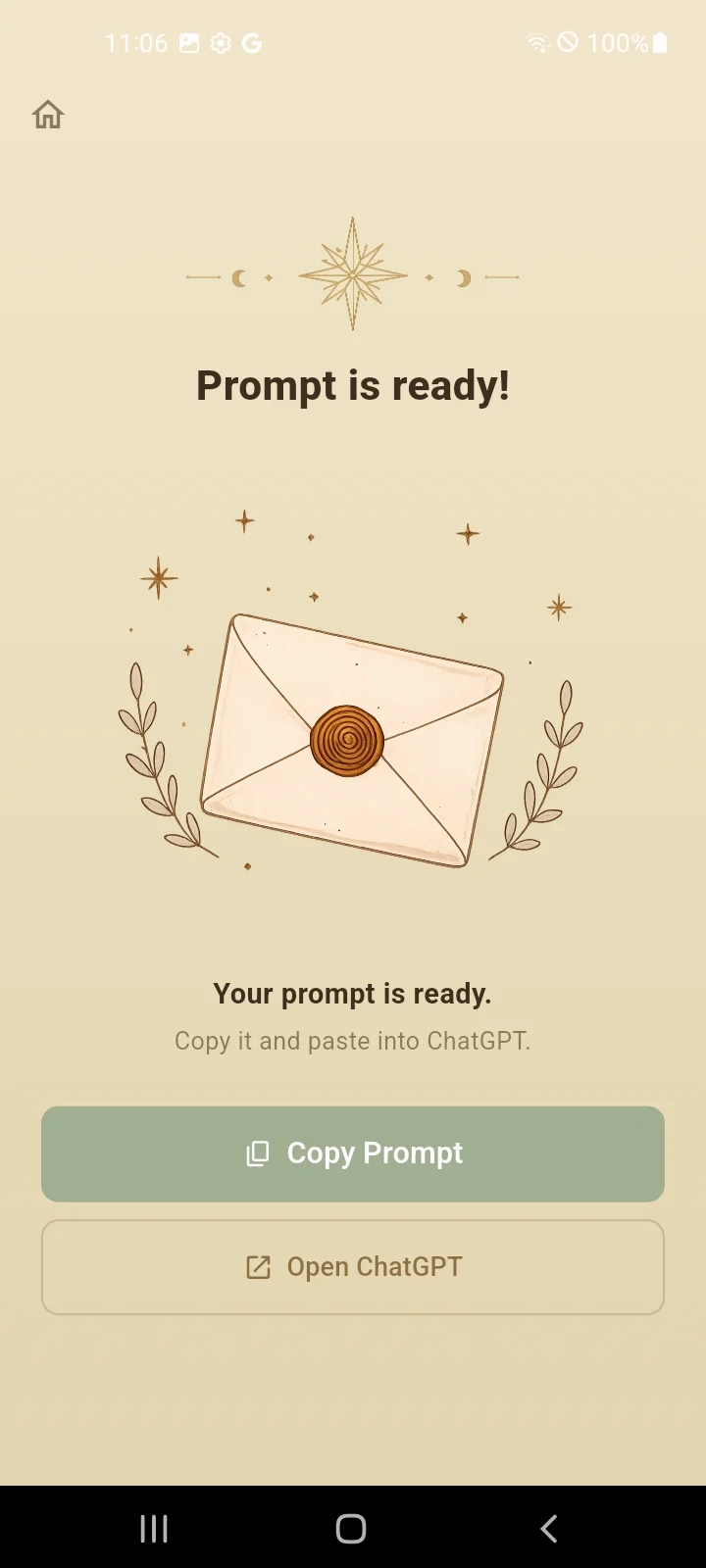
You receive the completed prompt.
Tap the home button at the top left of the screen to return to the start at any time.
TarotYo does not automatically send the prompt to any AI service. Please paste it in yourself.
TarotYo is an independent app. It is not affiliated with, sponsored by, or endorsed by any AI service provider. Service names mentioned are trademarks of their respective owners.
In the Cards tab, you can look through all 78 tarot cards.
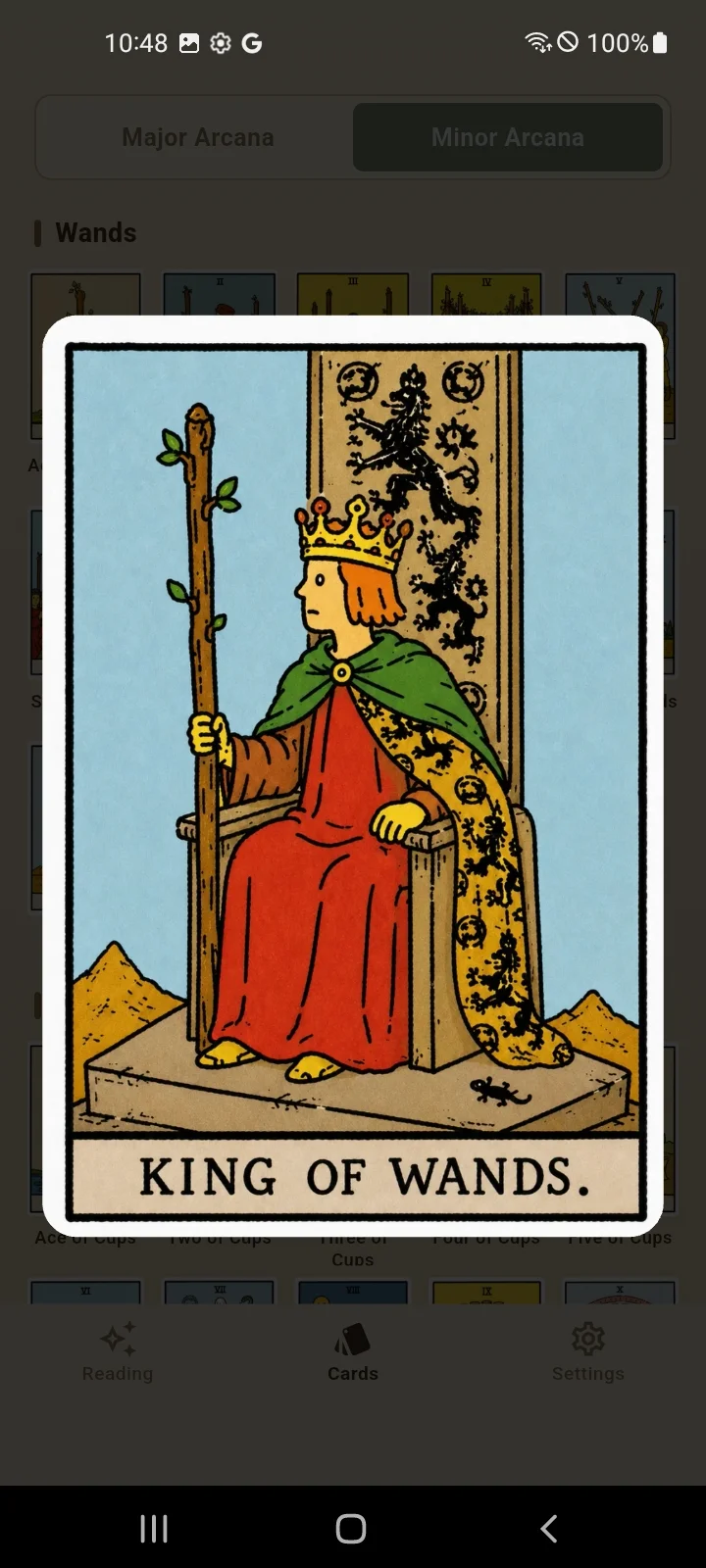
Tap a card to see it enlarged. In the enlarged view, swipe left or right to move to the previous or next card, and tap to close.
| Card Back Design | Choose the card back shown when you draw cards. |
|---|---|
| Language | Choose Korean, English, Japanese, or Chinese, or follow the system default. |
| About | Provides an introduction to the app and links to the user manual and privacy policy. |
TarotYo is provided free of charge, and a banner ad is displayed at the bottom of the screen. In some regions, such as the European Economic Area (EEA), a consent request for ad personalization may appear on first launch, and you can change your consent at any time under Settings > Manage Ad Consent.
The results from TarotYo are meant for fun and emotional comfort. For matters that require professional judgment, such as medical, legal, or financial issues, always consult a professional. Please do not rely on the results too much, and enjoy them with a relaxed mind.
View the TarotYo Privacy Policy.