Nums to One
How to Play
How to Play
| App Name | Nums to One |
|---|---|
| Version | 1.0.0 |
| Developer | Willee Project |
| Platform | Android |
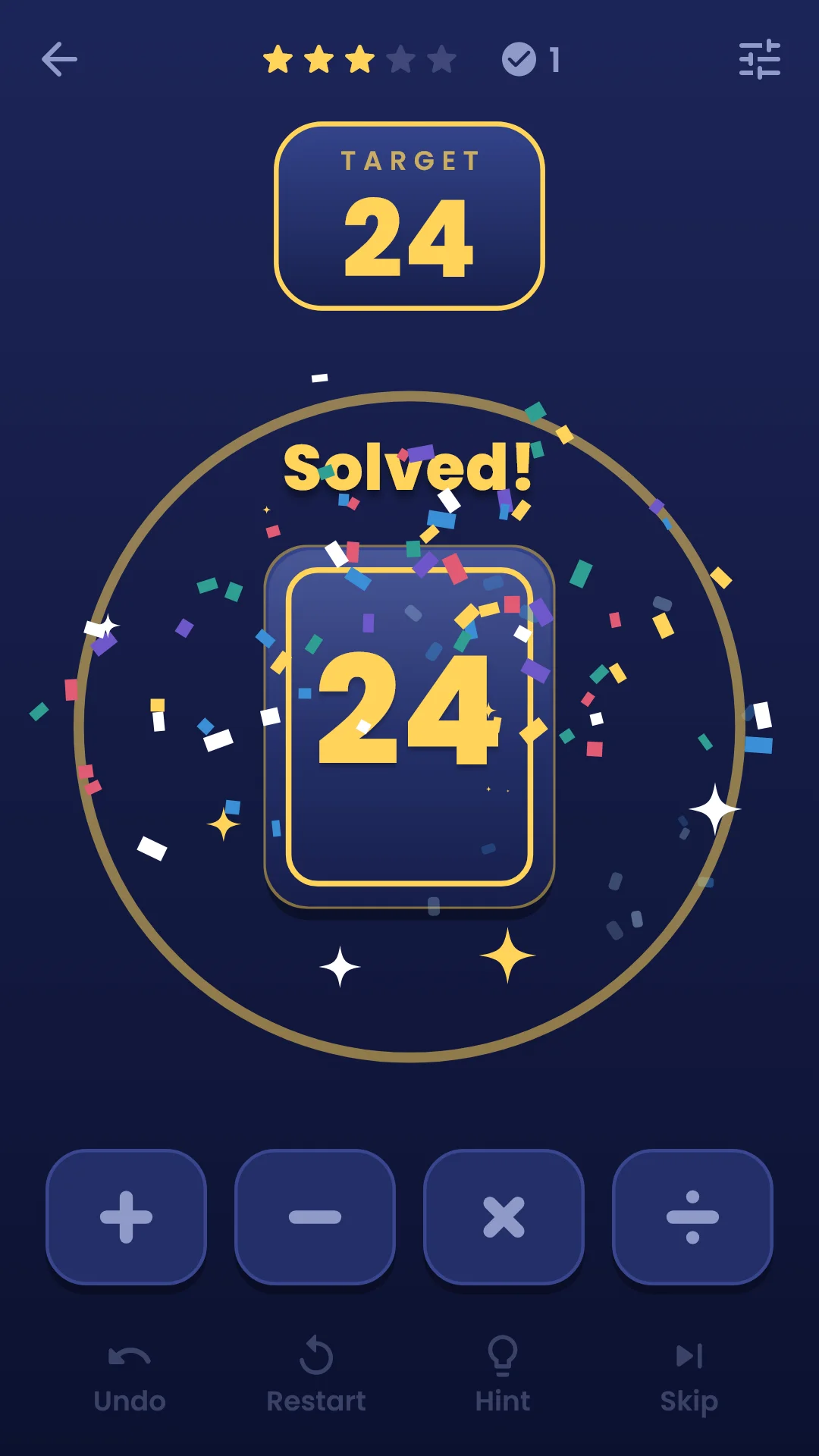
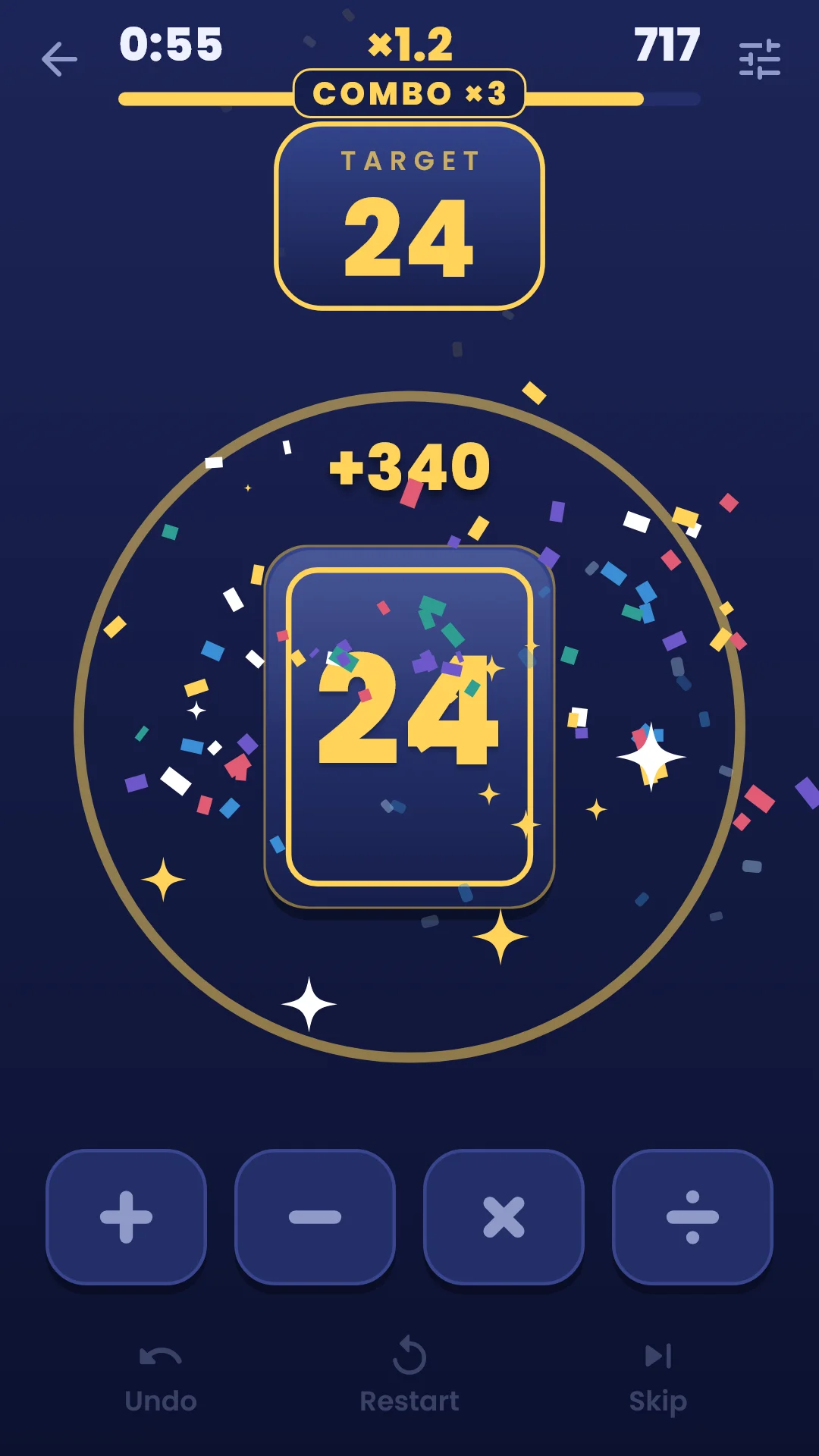
A puzzle where you merge number cards with + − × ÷ to make one target number. The default target is 24.
Use all four cards to make the target. Pick two cards and one operator to merge them into a single card. Merge three times; if the last card is the target, you've solved it.
| Operator | Rule |
|---|---|
| + plus | Adds the two numbers |
| − minus | Subtracts the smaller number from the larger one, whatever order you tap them in |
| × times | Multiplies the two numbers |
| ÷ divide | Divides the larger number by the smaller one, only when it divides evenly. 0 divided with any other number gives 0. 0 and 0 cannot be divided |
Results are always whole numbers of 0 or more — never negative numbers or fractions.
If the last card is not the target, the cards shake and go back to the starting four. The puzzle stays the same, so just try again.
Tap card → operator → card. The result appears where the second card was.
The row of buttons at the bottom:
| Button | What it does |
|---|---|
| Undo | Undoes the last merge |
| Restart | Goes back to the starting four cards |
| Hint | Helps one step more each time you tap it (see below) |
| Skip | Moves on to the next puzzle |
| Hint | What it shows |
|---|---|
| Step 1 | The two cards to merge first light up |
| Step 2 | The operator for those two cards lights up too |
| Step 3 | Shows the whole answer. This counts as skipped, not solved |
If the target can no longer be made from your current cards, Undo glows gold instead of a hint, and no hint step is used.
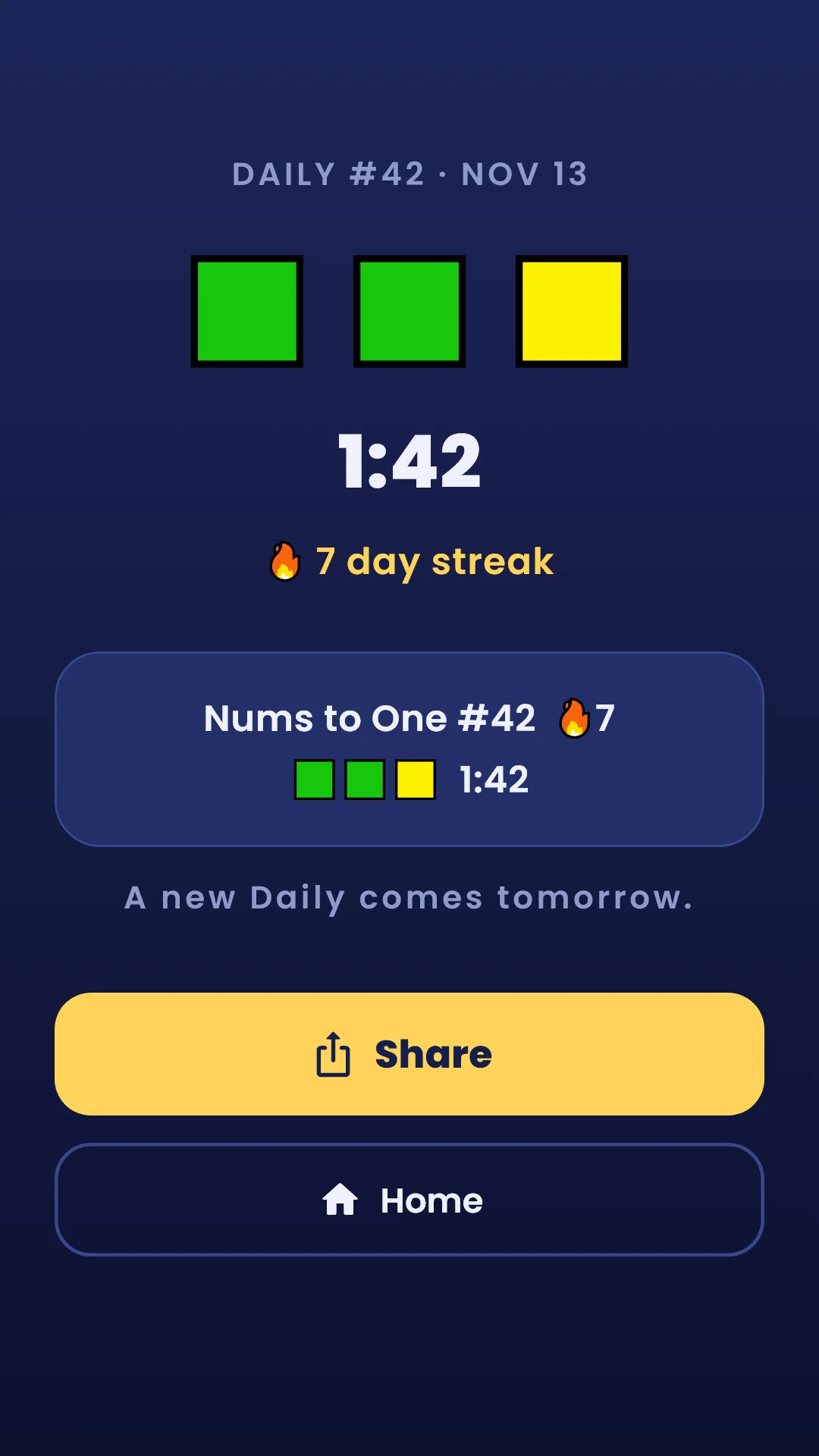
Nums to One #42  🔥7
🟩🟩🟨  1:42
#42 on the result card and in the shared text is the Daily number. Launch day was #1 and it goes up by one each day, so the same number means the same day's puzzles. The home and Daily screens show today's date instead.
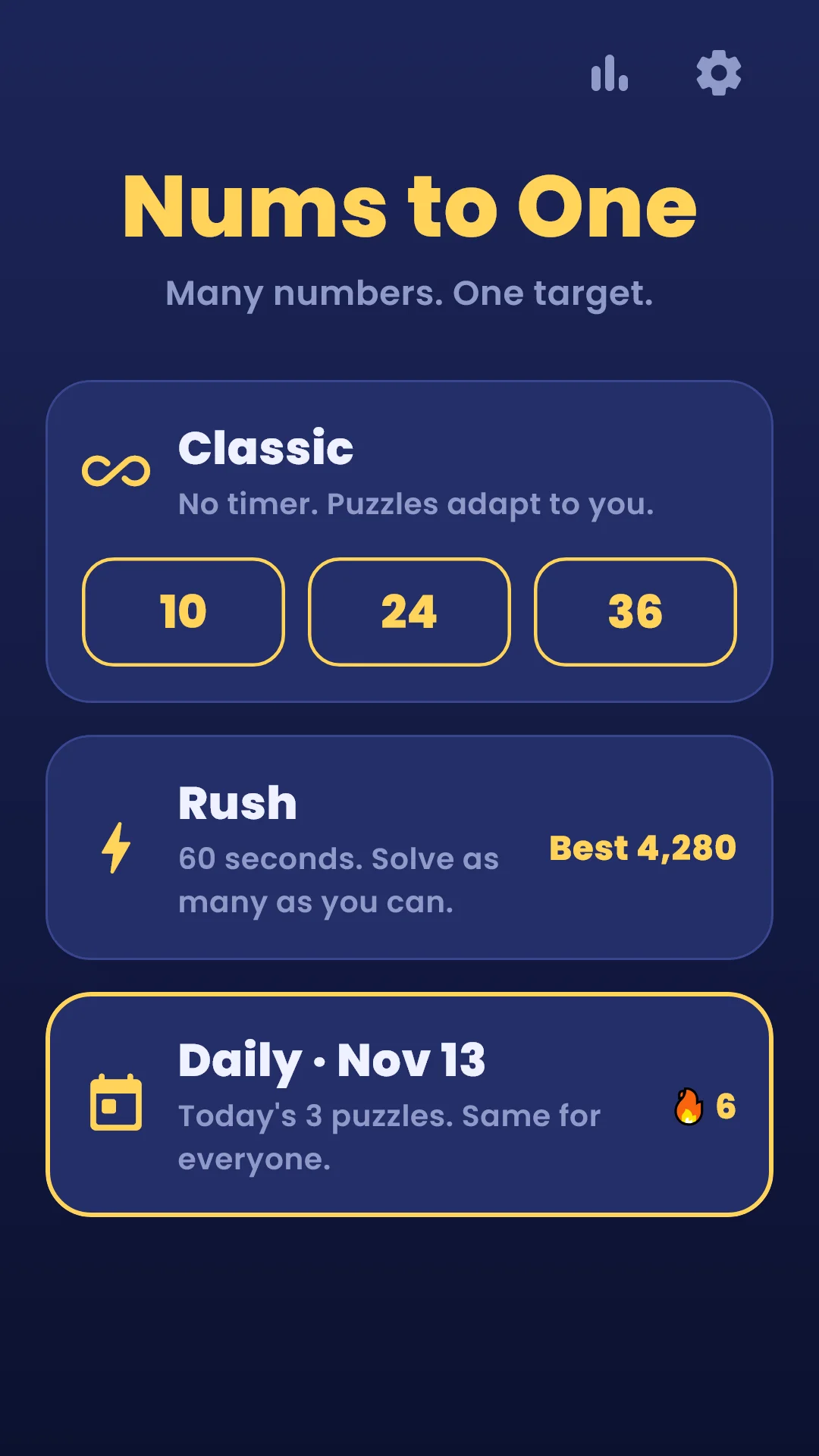
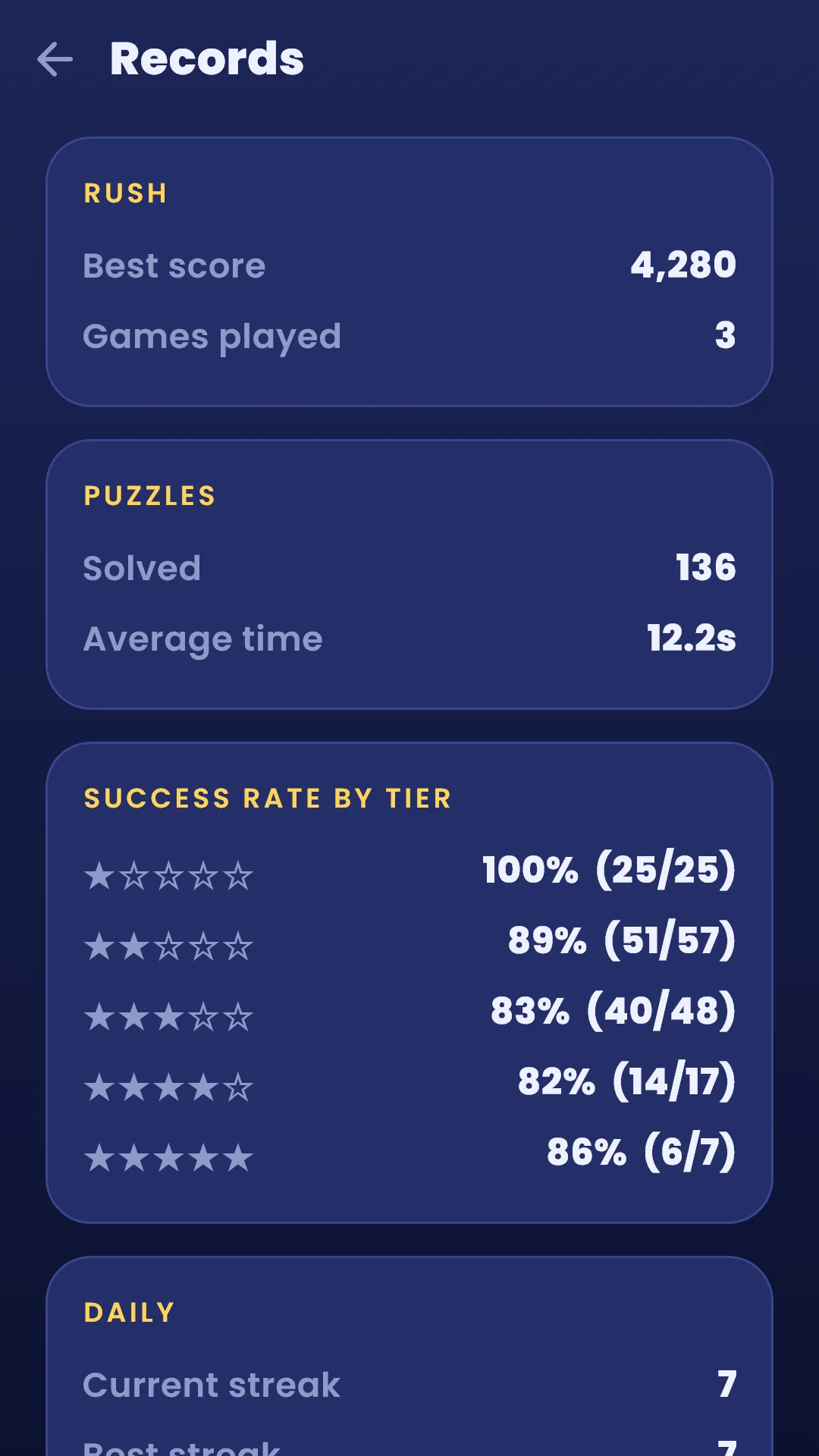
Tap the bar chart button at the top right of the home screen. It shows your Rush best score and games played, puzzles solved, average solve time, success rate by tier and Daily streak.
Tap the gear at the top right of the home screen. During a game, the slider button at the top right changes sound, vibration and effects without leaving the puzzle.
| Item | What it does |
|---|---|
| Sound effects | Turns card, operator and success sounds on or off |
| Vibration | Turns vibration on or off when you pick or merge cards |
| Reduce effects | Turns off debris, shaking and flashing |
| Language | Follows your device or lets you choose |
| Privacy options | Reopens ad consent. Shown only in regions where consent is required (such as Europe) |
| About | Version, this guide, privacy policy, open-source licenses |